DOWNLOAD
Download a file for a 3D printer
3D print raises the drawing for a printer: each area of it, stood up to the height you choose, at the design file's size in millimeters.
Once the image is unlockedHow do I get a file to print?
- Choose 3D printIn the Download tab, 3D print. The canvas turns the drawing into the print: drag it to turn it.
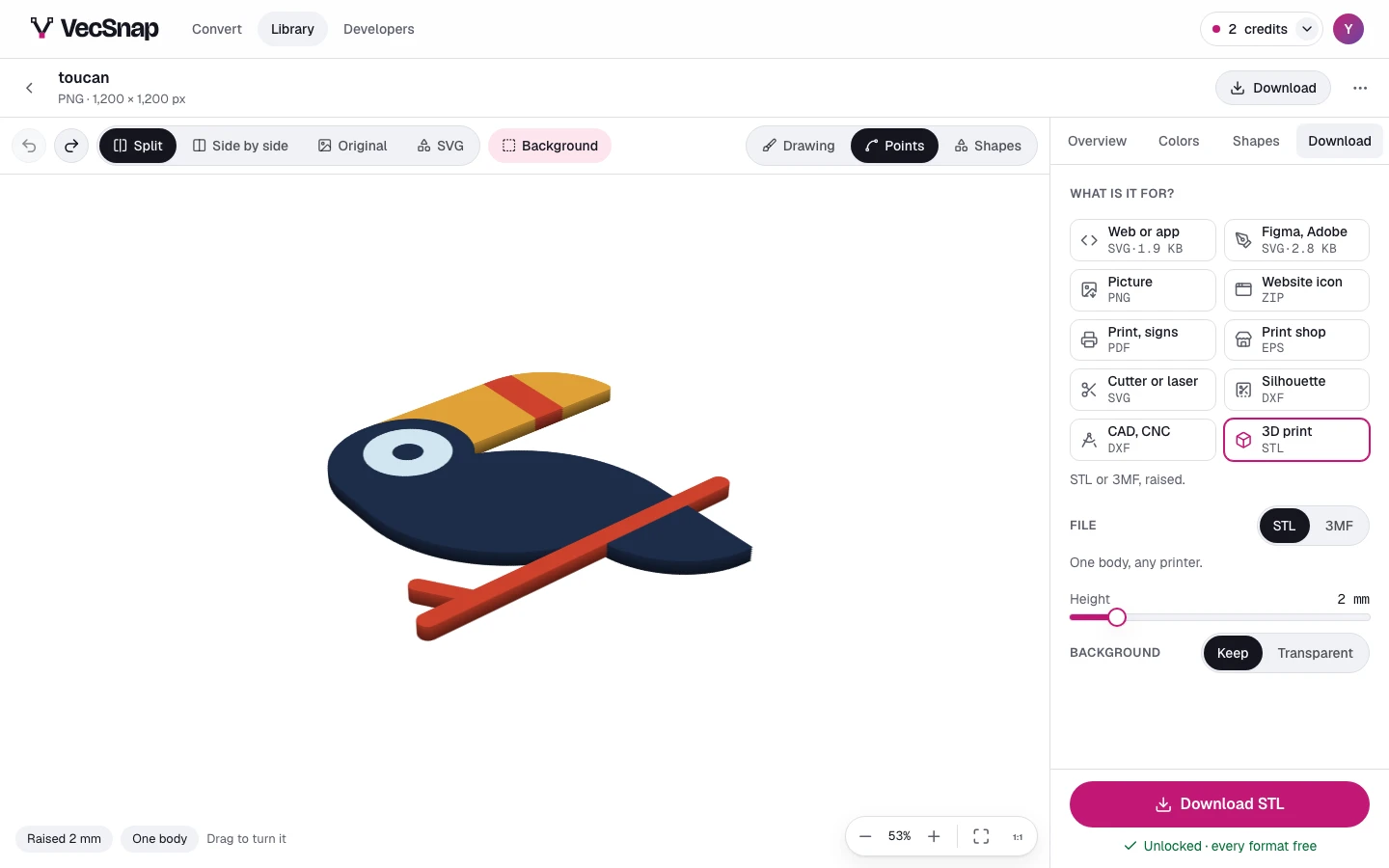
3D print chosen, the print raised on the canvas. - Choose the fileAn STL is one body, for any printer and any slicer. A 3MF keeps each color its own object, for a printer with more than one filament.
STL or 3MF. - Set the heightHow high the drawing stands, from half a millimeter to a centimeter. Two millimeters suits a sign or a keyring.
The height, in millimeters.
Why is 3D print not offered?
A print is the drawing's pieces raised, so it is made only where VecSnap can cut the drawing into pieces. Where it cannot, the tab says so before you spend a credit. Every area of a print is checked to close; one that cannot is refused, never printed unchecked.