JPG to SVG converter
JPG to SVG, with clean edges.
- Converting and previewing are free
- Every format comes with the one credit
Drop an image here
PNG, JPG, WebP, AVIF, GIF, BMP or TIFF · Up to 10 MB
The short version
To convert a JPG to SVG, drop it on VecSnap. A JPG carries compression marks, small blocks and halos around every edge, and a tracer draws them as wobbles and specks. VecSnap cleans them before it draws the image again as vector shapes in full color, so the edges come out smooth. Converting and previewing are free, and one credit keeps the file.
Updated Oct 24, 20261 source
01The file, opened
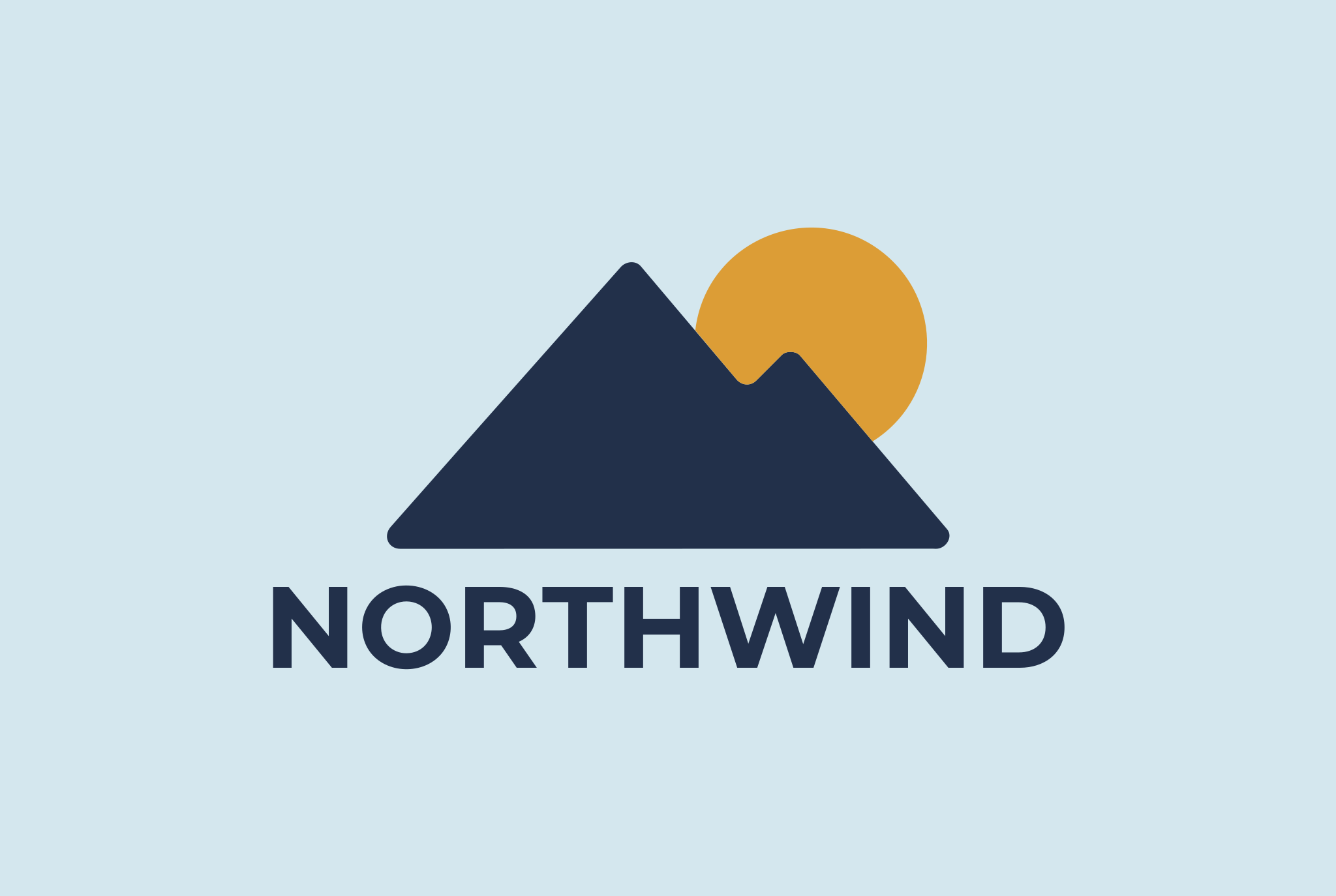
A compressed JPG, drawn again.
Drag to move · double-click to zoomDrag to move · pinch to zoom
An example we picked, made with Gemini.
76
VecSnap 76, potrace 5,113potrace 5,113
2.3 KB
VecSnap 2.3 KB, potrace 153 KBpotrace 153 KB
In the file
2 circles · 7 paths
4 colors
02Compression marks
Why a JPG needs cleaning before it is drawn
03What you get
What a clean JPG to SVG file has
Smooth edges
Each edge drawn once along the design's line, without the steps the compression left.
Flat colors
Each area comes out as one color, without the speckles a JPG scatters around it.
Grouped by color
The shapes of each color sit together in the file, ready to recolor or cut.
Few anchor points
No point spent on a compression mark, so the file stays light and easy to edit.

04Questions
JPG to SVG, answered.
Sources
- Recommendation T.81: digital compression and coding of continuous-tone still images (the JPEG standard)ITU-T, hosted by the W3C, read Oct 23, 2026
Yes. VecSnap reads the JPG, cleans its compression marks and draws it again as shapes, in full color, ready for Figma, Illustrator or the web.
A tracer follows the pixels it is given, compression marks included, so a JPG's blocks become wobbles and specks along every edge. VecSnap cleans the marks before it draws.
Yes. VecSnap keeps every color and draws each area as one flat color, its shapes grouped by color.
Often, yes, for a drawn image: VecSnap cleans the compression first and draws the edges again as smooth curves, so a small or soft logo can come out crisp. It cannot add detail the file never had.
VecSnap is made for drawn images such as logos and icons. A photo turns into thousands of small shapes.
Converting and previewing are free. You spend one credit only to keep an image, every format included.
Drop a JPG. Check the file.
Converting is free. You see the whole result before you spend anything.
Drop an image here
PNG, JPG, WebP, AVIF, GIF, BMP or TIFF · Up to 10 MB