VecSnap in ChatGPT and Claude
Turn images into SVG, in your chat.
Connect VecSnap to ChatGPT or Claude once. Ask for an SVG, and the drawing comes back in a card in your chat: real shapes, few anchor points. Converting is free, and only your press on Download spends a credit.
Any chat that takes an MCP server
https://mcp.vecsnap.com/mcp- Converting is free
- Only your press spends a credit
- Claude Code too
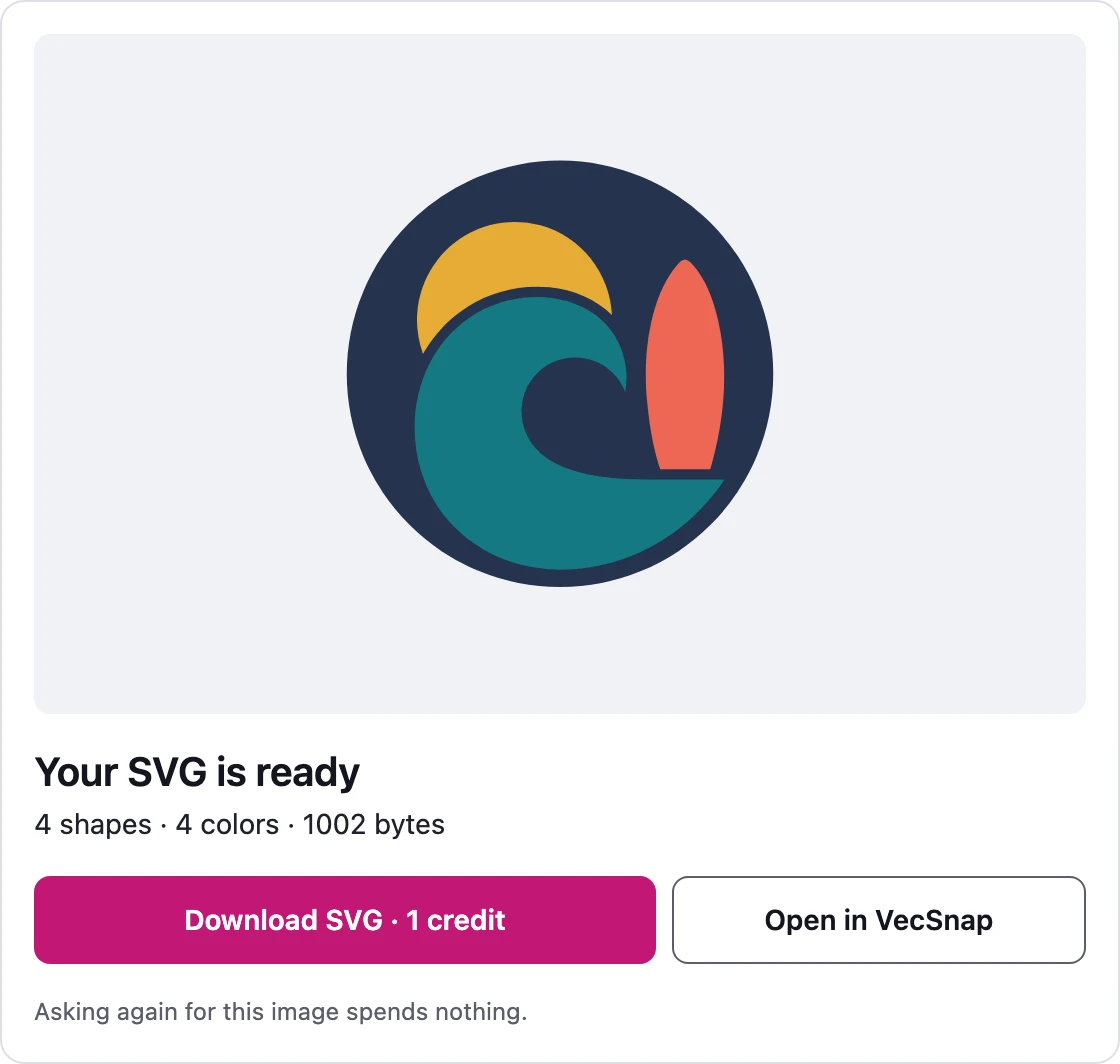
Convert this logo to SVG.
On their own
Can ChatGPT and Claude vectorize images?
A wrapped file looks like an SVG and blurs like a PNG: a cutter finds no line in it, and Figma sees one picture.
Set up once
How do I add VecSnap to ChatGPT or Claude?
Claude's free plan lets you add one custom connector, and VecSnap can be that one.
Claude
- To add it
- One press, then Allow
- Your image
- Drop it on the VecSnap card
- The file
- Press Download in the card
ChatGPT
- To add it
- Paste the address once
- Your image
- Attach it, or paste a public link
- The file
- Press Download in the card
Claude Code
- To add it
- One command in your terminal
- Your image
- A public link to the image
- The file
- Unlock it on its VecSnap page
Any other MCP client
- To add it
- Add the address as a remote MCP server
- Your image
- A public link to the image
- The file
- Unlock it on its VecSnap page
Any chat that takes an MCP server
https://mcp.vecsnap.com/mcpIn the chat
What happens after I ask for an SVG?
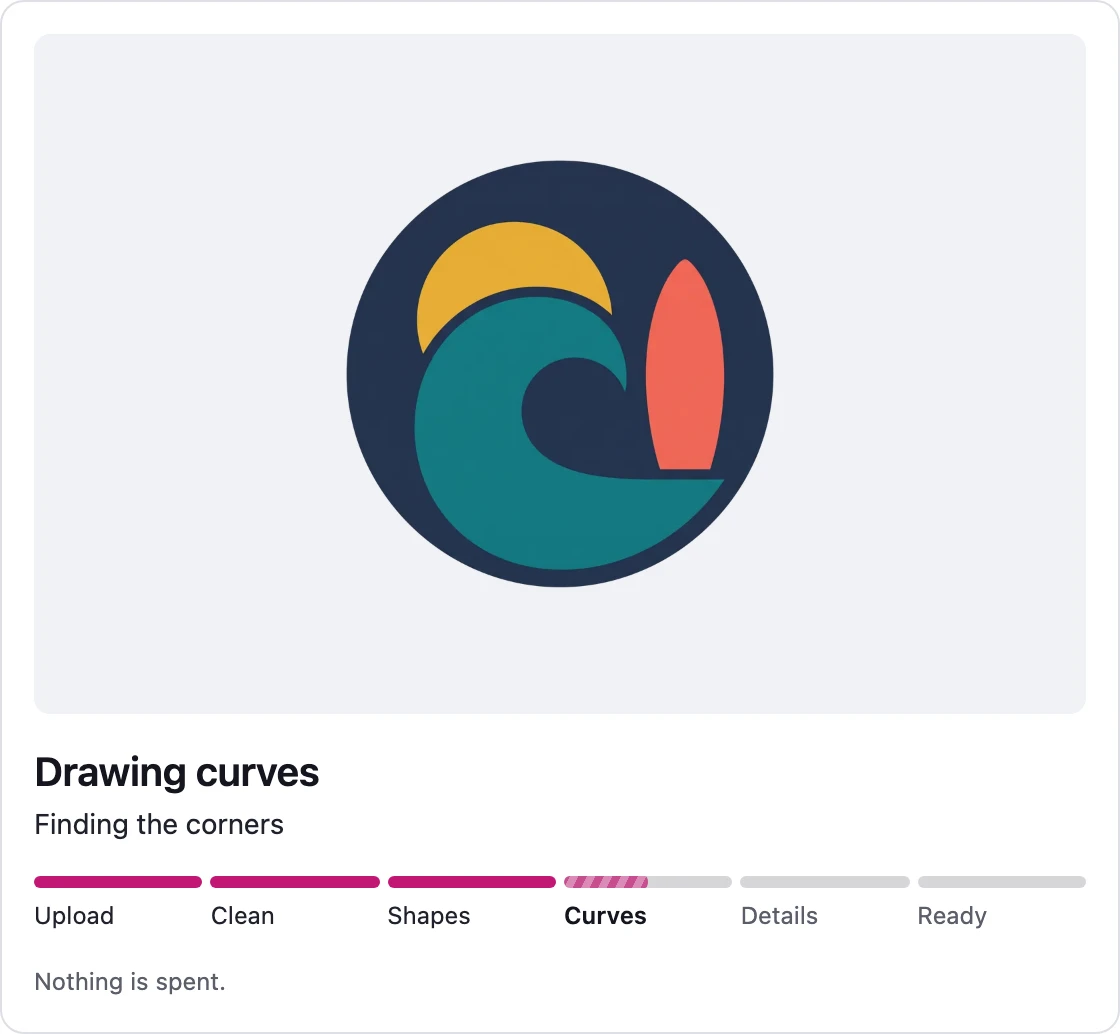
Convert this logo to SVG.
What it costs
What is free, and what spends a credit?
Converting an image
- Costs
- Free
- What it means
- As often as you like
The drawing in the card
- Costs
- Free
- What it means
- Its shapes, colors and file size
The SVG file
- Costs
- 1 credit
- What it means
- Once per image, and every format on your VecSnap page
Who spends it
- Costs
- Your press
- What it means
- Never the chat's AI
A day's limit
- Costs
- 25 credits
- What it means
- A connection never spends more
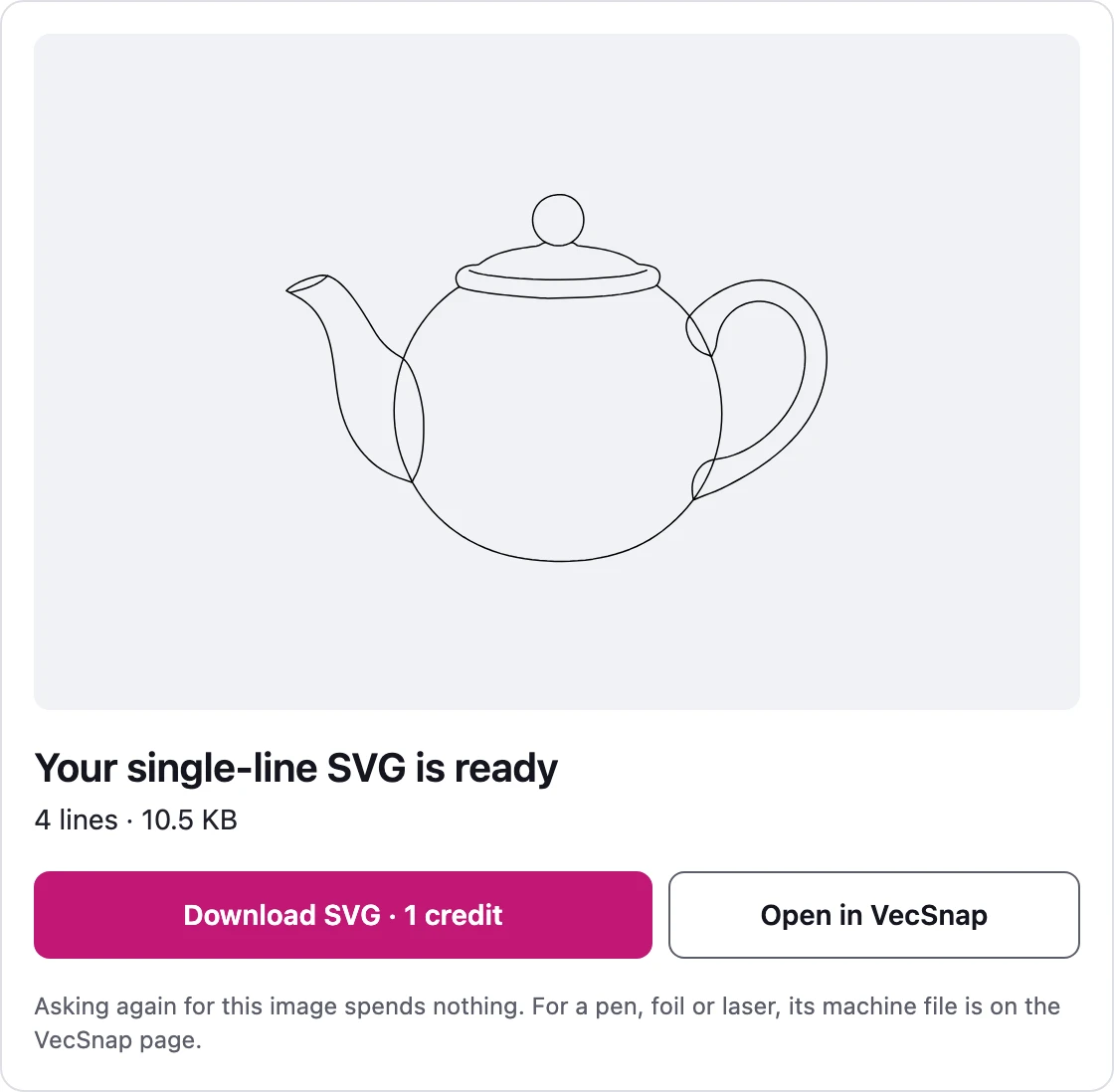
Turn this drawing into single lines for my pen plotter.
Converters
Not in a chat? Convert it here.


PNG to SVG converter
Color and transparency kept, every edge drawn again as a curve.
From .png


JPG to SVG converter
Compression marks cleaned before drawing, so a soft JPG still gives clean edges.
From .jpg and .jpeg


JPG to DXF converter
A logo or an emblem as a DXF for a laser or CNC, one layer per color, every outline closed.
From .jpg and .png
Logo to vector converter
The vector file a printer, a website or a designer asks for, its name kept as a word.
From any logo image


WebP to SVG converter
Lossy or lossless, read from the file; a lossy WebP handled as the compressed file it is.
From .webp


PNG to EPS converter
A logo or a badge as a vector EPS for a print shop: real shapes, no pixels inside.
From .png and .jpg


GIF to SVG converter
A sticker, a logo or an icon: its see-through color kept empty, its stepped edges redrawn as curves.
From .gif


Line art to SVG converter
Keep your ink as shapes, or take one line down each stroke.
Line art

AVIF to SVG converter
Lossy or lossless, read inside the image; a lossy AVIF handled as the compressed file it is.
From .avif

Drawing to SVG converter
A drawing on paper, photographed: the paper made one ground, the ink drawn as shapes.
From a photo


AI image to SVG converter
A ChatGPT, Gemini or Midjourney picture, drawn again as shapes in the few colors you see.
From AI tools


BMP to SVG converter
A JPG's old marks looked for in the pixels, a picture that has them handled as that JPG.
From .bmp


TIFF to SVG converter
A print or scan file in four inks, read through its profile and redrawn as clean shapes.
From .tif
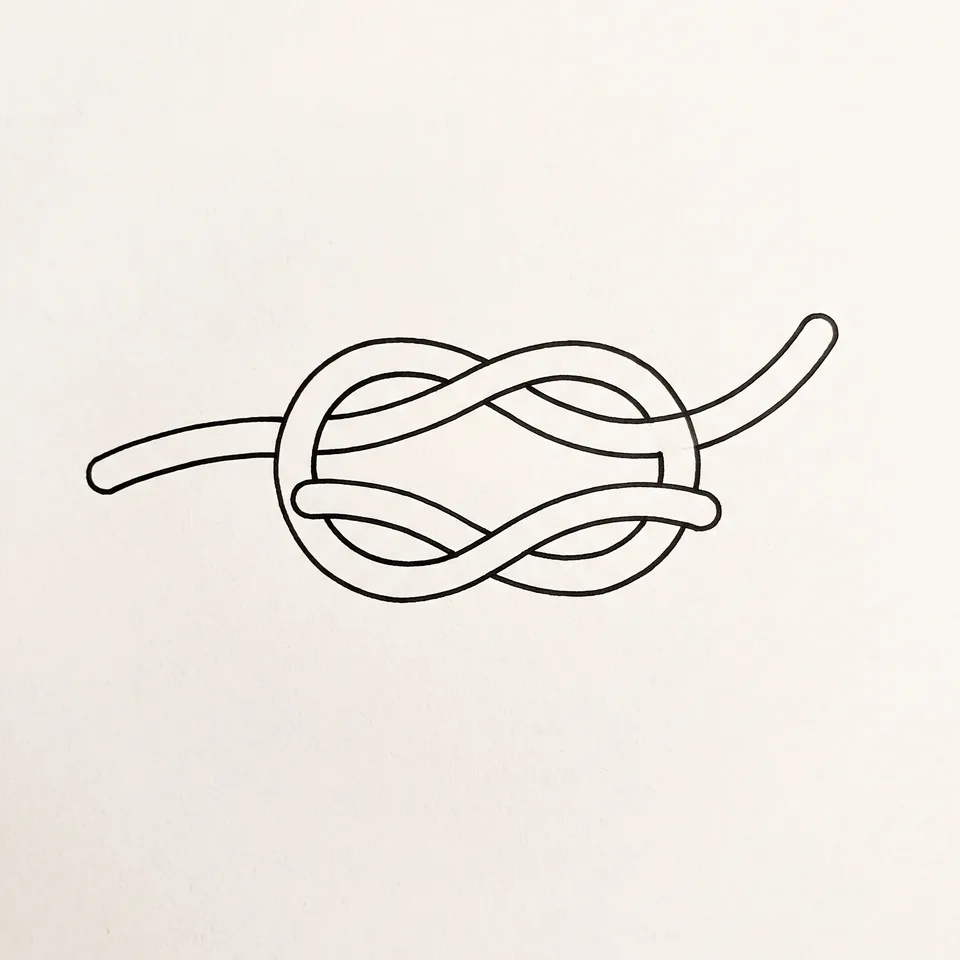
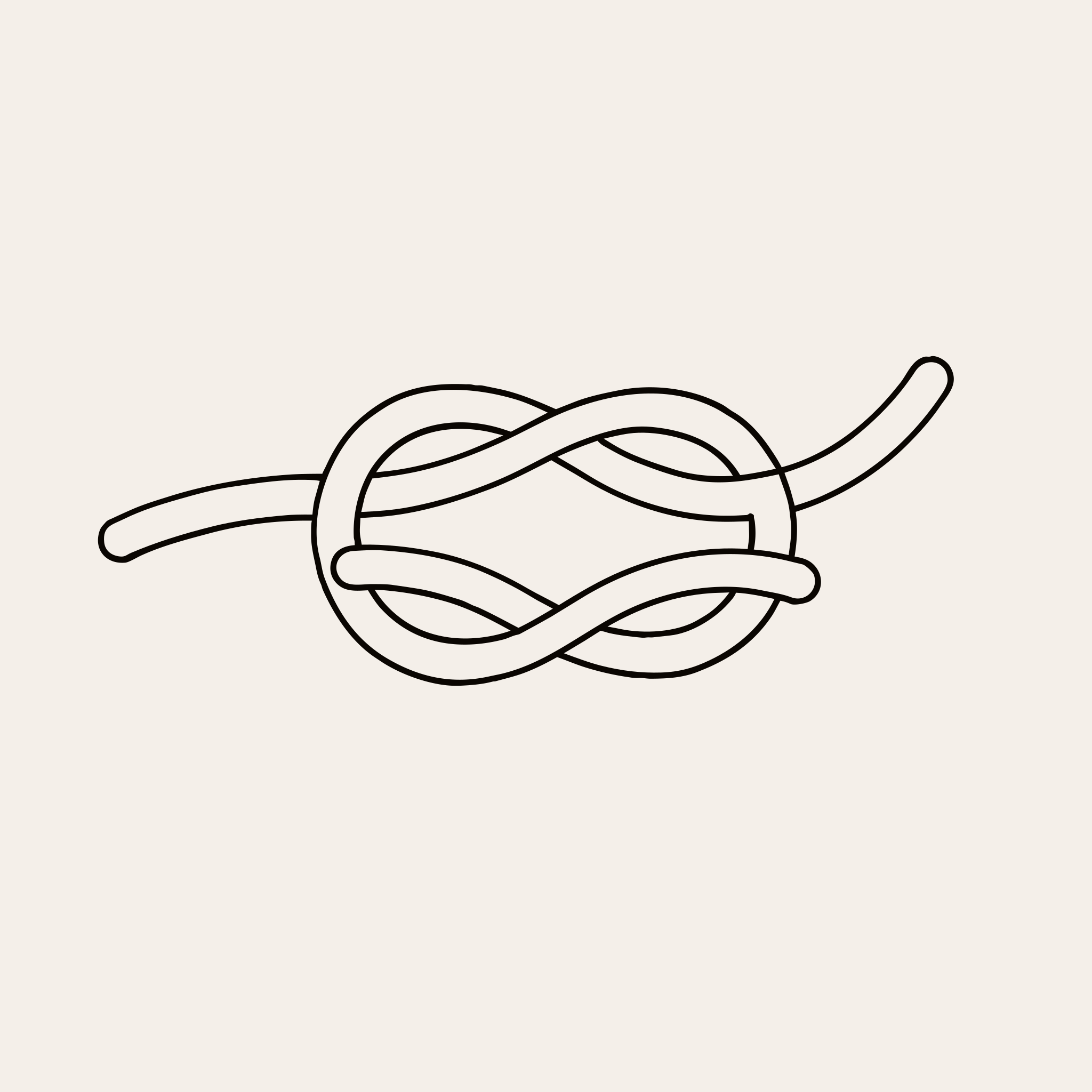
Single line SVG converter
One line down the middle of each stroke, for a pen, foil or a laser.
Single lines


SVG to PNG
An SVG saved as a sharp PNG or a JPG, at the size you pick, in your browser.
Free · no upload


SVG viewer
Open any SVG and see every anchor point, its code and what it is made of.
Tool · in your browser


SVG cleaner
Clean an SVG you drew, or redraw one traced from a picture, and see what changed.
Tool · free to clean