EDIT SHAPES
Hide, show and color a shape
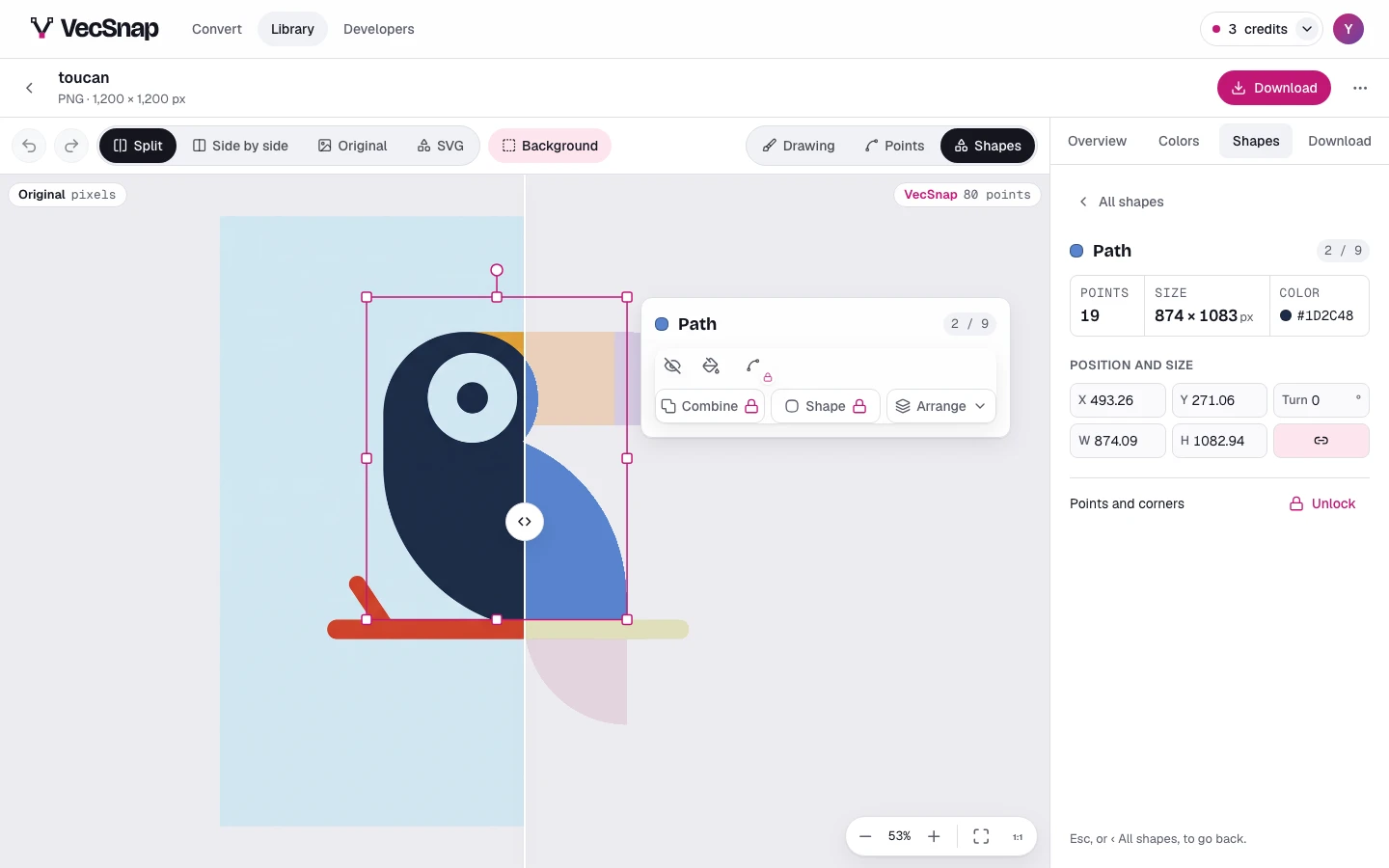
A pressed shape's card has its quickest tools as icons: hide it, or give it a color of its own. Both are free, and both undo.
Free · no credit neededHow do I hide a shape?
Press the shape on the drawing, then Hide on its card, or ⌫. The file leaves it out; nothing else moves.
How do I show it again?
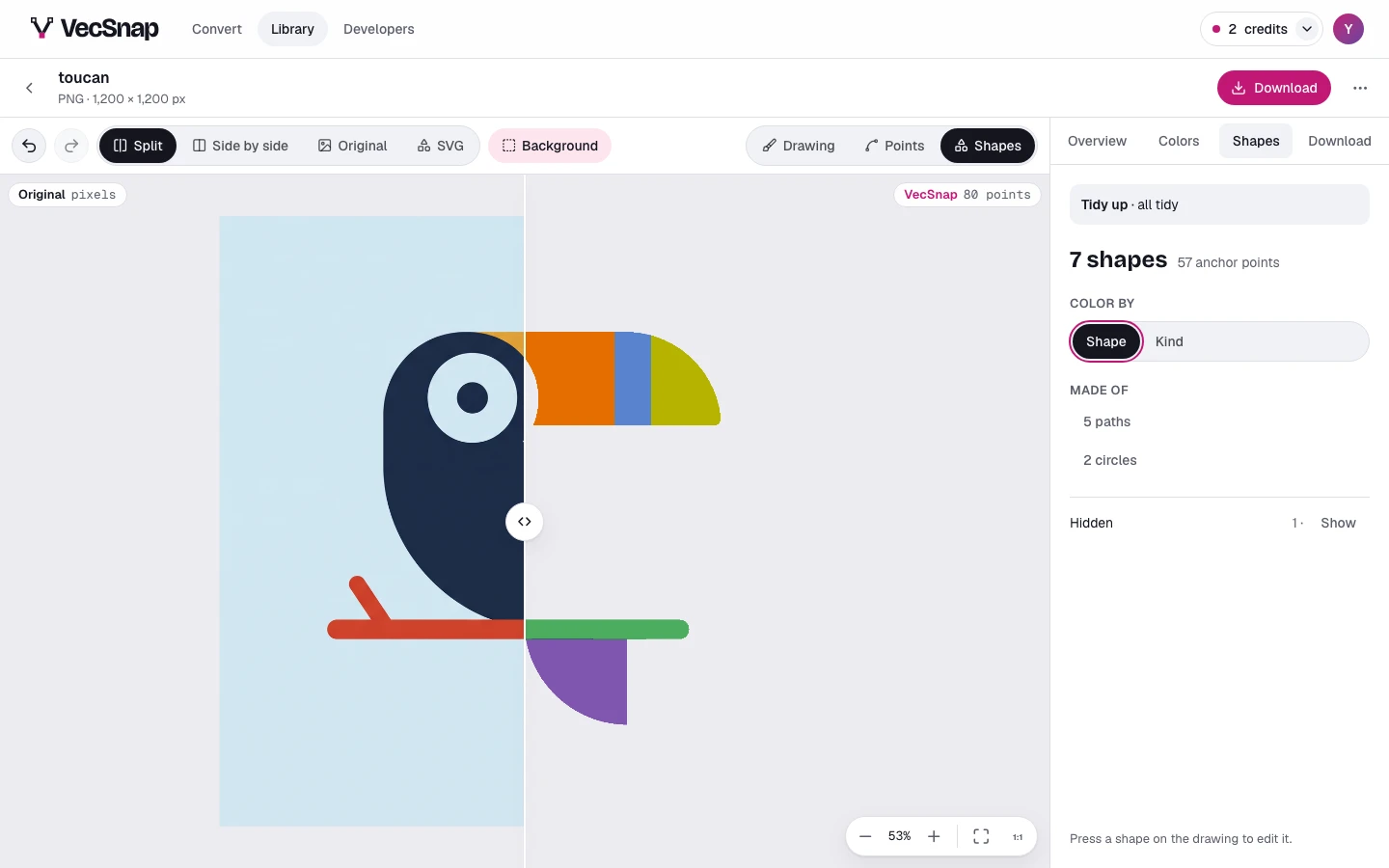
The Shapes tab counts the hidden shapes on one line: its Show opens the latest of them, each ringed where it was when you point at it, each with its own Show. Undo works too.
How do I color one shape?
Color on the card gives that one shape a color of its own. To change a color everywhere it is used, open the Colors tab instead (Change one color).