COLORS
Use your brand colors
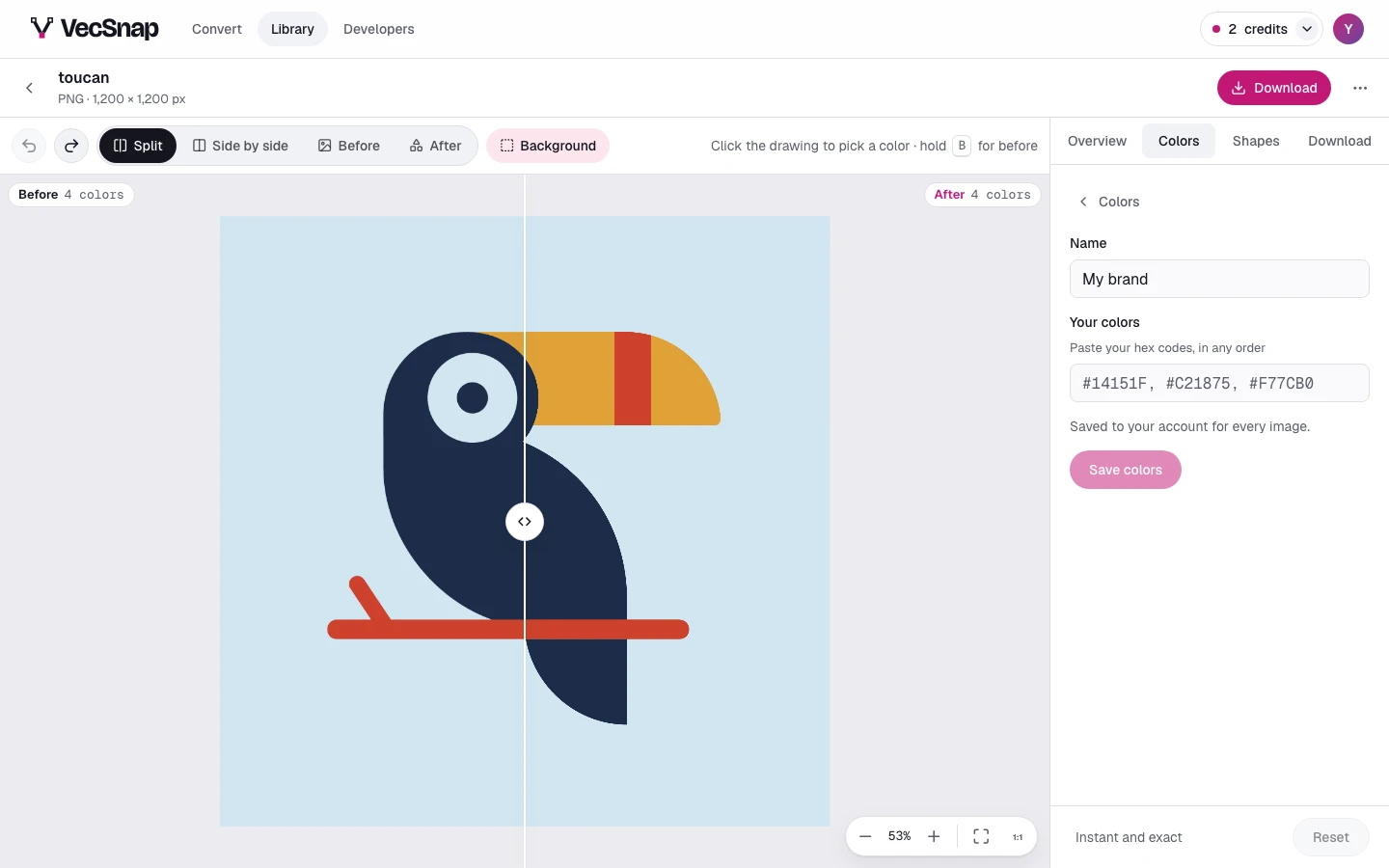
Save your brand's colors once, from the Yours look: on every image it snaps each color to its nearest, and each pair stays yours to change.
Free · no credit neededHow do I add my brand colors?
- Press the Yours lookIn the Colors tab. With none saved yet, it opens your colors.
- Name them and paste their hex codesIn any order, then save them.
- See the drawing in themEach color of the drawing goes to the nearest brand color by eye; press a color to change its pair.
Where are they kept?
In your account, offered on every image and every device: up to 20 sets, each of up to 24 colors. Brand colors need an account; deleting the account deletes them.