COLORS
Redraw with fewer colors
Fewer colors previews the drawing with only as many colors as you choose, then redraws it with that many: one layer a color, what a cutter or a screen printer needs.
Free · no credit neededHow do I redraw with fewer colors?
- Move the railDrag it, or press its minus and plus: from 2 colors up to all of them (at most 24). The drawing shows the colors merged at once.
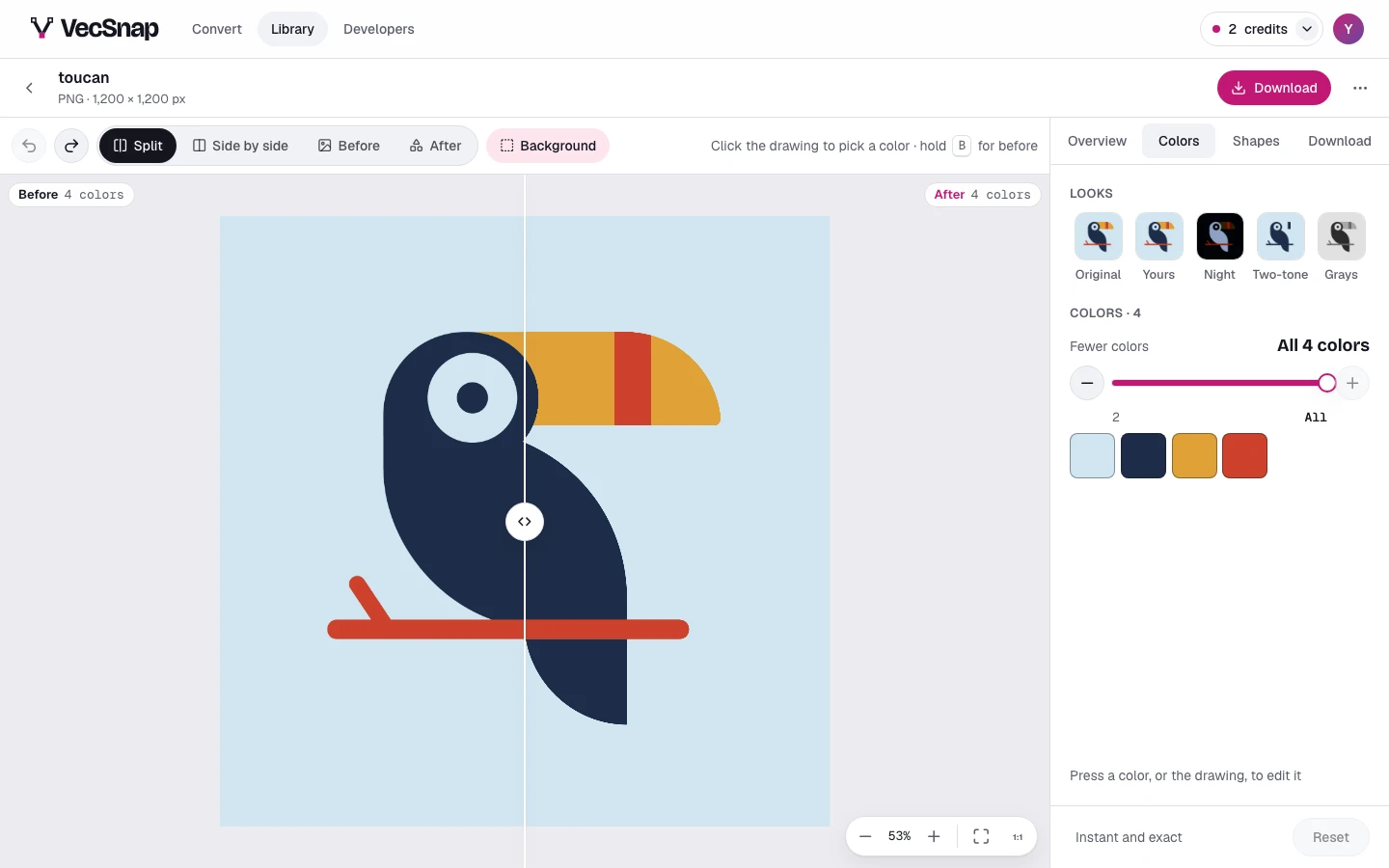
The fewer-colors rail, on All. - Look at the previewThe squares become the preview's colors, and the canvas shows the drawing merged into them, sharp at any zoom.
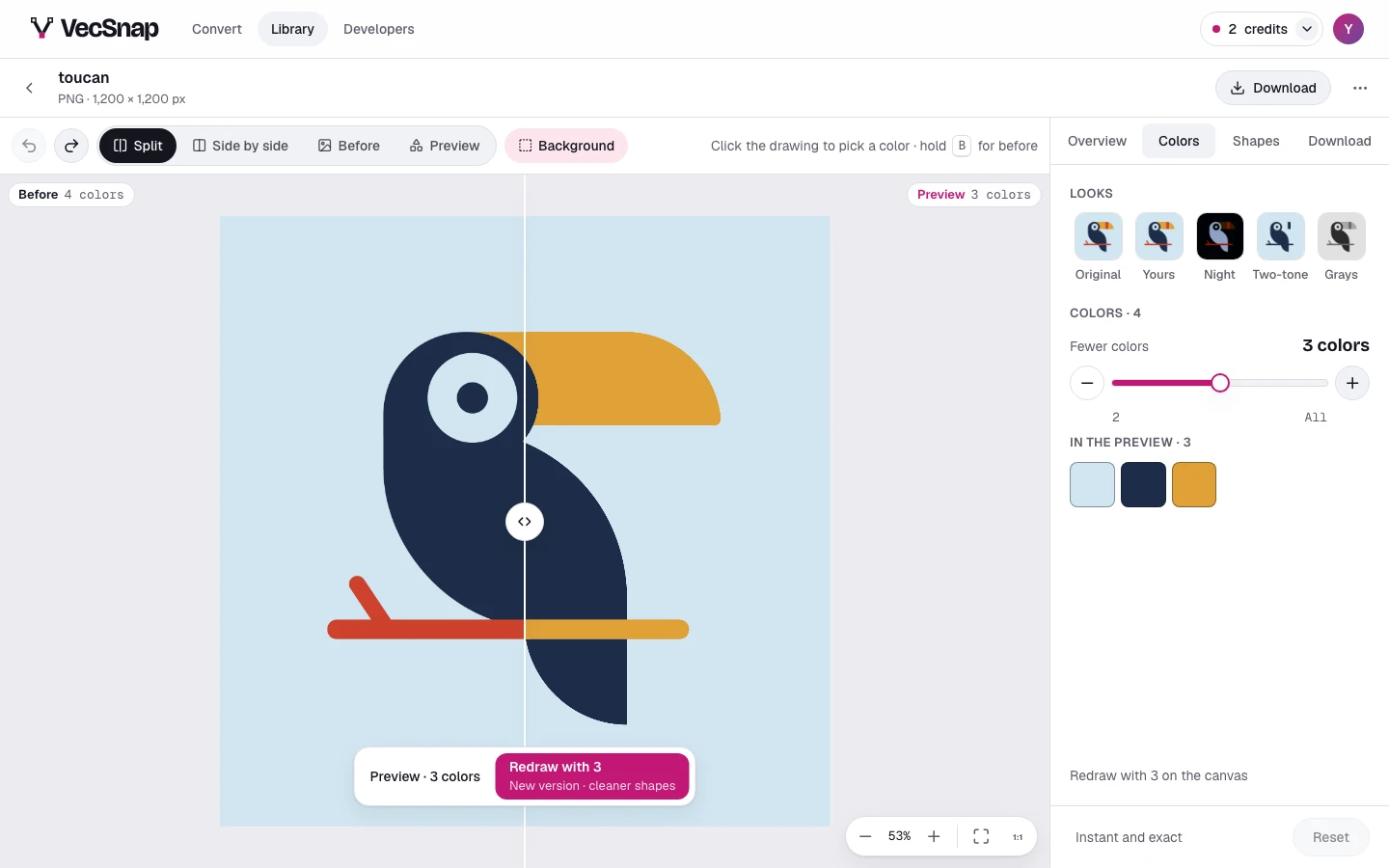
The rail on a count: the preview's colors in the squares' place. - Redraw itPress Redraw on the bar over the canvas: a new version, drawn again with at most that many colors and fewer anchor points. It is free, like every new version.
The preview's bar: its count, and Redraw.
Can I go back?
Yes. A version never changes: the new one sits beside the first, and the corner offers the way back. Once you have changed the colors yourself, the rail merges your own colors instead, as one step Undo takes back, with Redraw still beside it.