EDIT SHAPES
Undo and redo
Every change, to a color or a shape, is one step of one history. Undo takes the last step back, Redo puts it back.
Free · no credit neededHow do I undo a change?
Press Undo at the canvas's top left, or ⌘Z (Ctrl+Z on Windows). Redo, or ⇧⌘Z, puts it back.
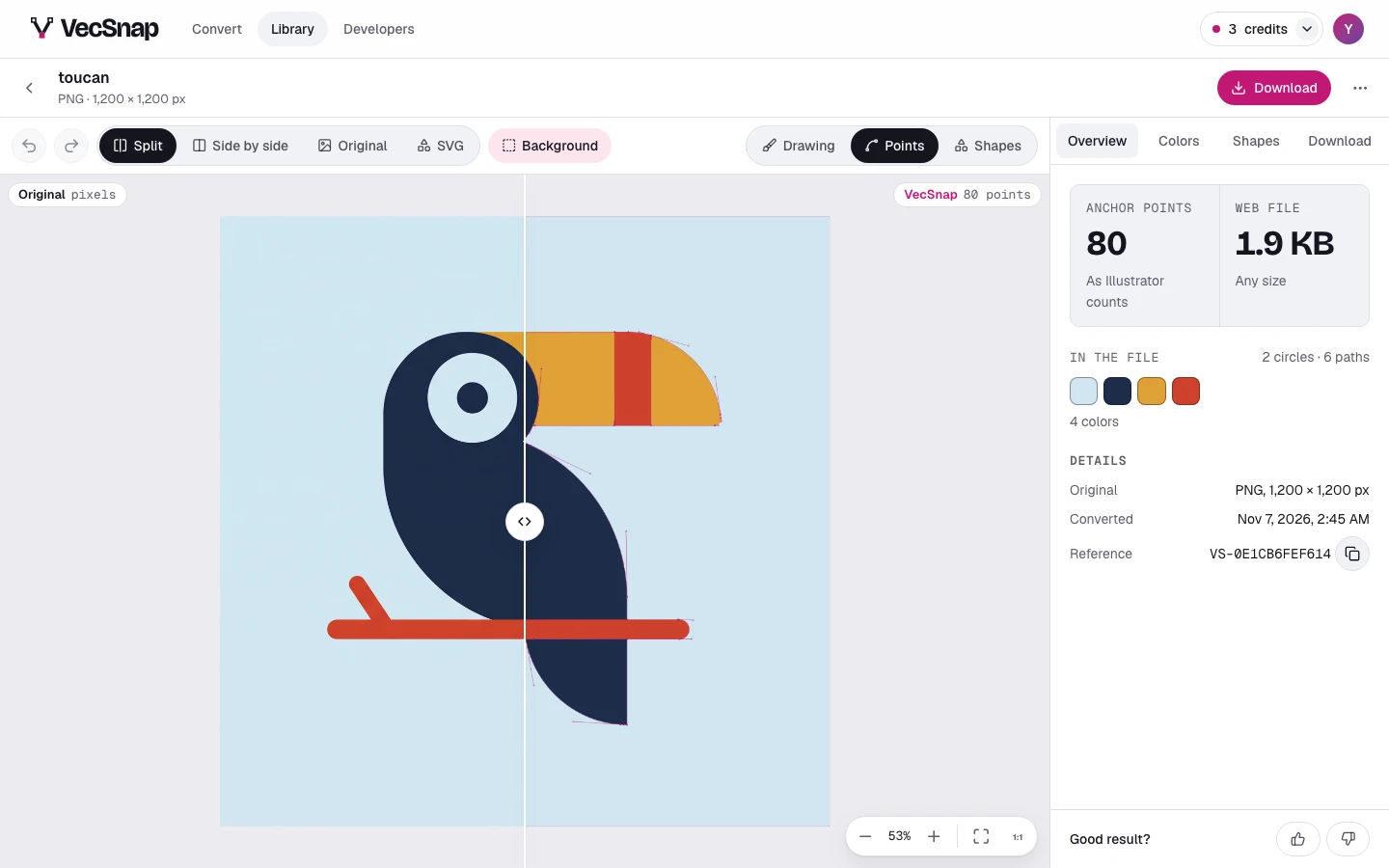
Each button names its step when you point at it, so you know what goes back before you press.
What is one step?
One press: a move, a recolor, a merge, a fix. Colors and shapes share the one history, so they undo in the order you made them, in every tab.
Which key is Undo on my keyboard?
The letter printed on the key: on an AZERTY keyboard, Undo is ⌘ and the key marked Z, wherever it sits.