START
Credits and the unlock
Converting and looking closely are free. One credit unlocks an image: every file of it, every format, and every tool of the editor.
What does a credit buy?
One credit unlocks one image, for good. Once it is unlocked, every format downloads free, as often as you like, and so do its new versions: the image converted again, or redrawn with fewer colors.
A new account holds 3 free credits. A conversion that fails costs nothing.
How do I unlock an image?
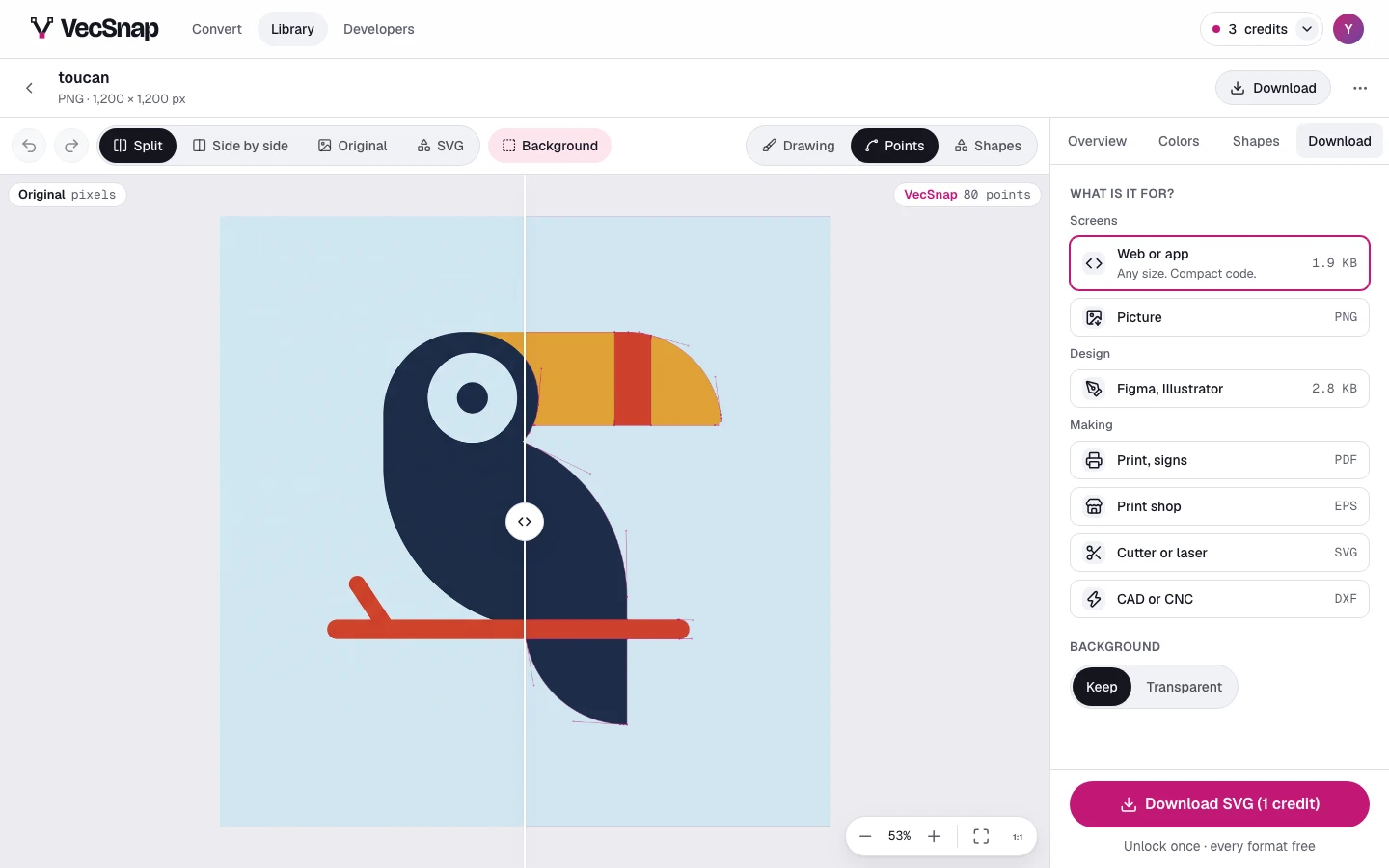
- Open the Download tabPress Download beside the canvas, or Download at the top of the page.
- Choose what it is forA website, Figma, print, a cutting machine or a laser: each gets the file it needs.
- Download itDownload SVG (1 credit) says what it costs. One press unlocks the image and downloads the file.
What is free before I unlock?
Everything that shows you the file: converting, every view and look, any zoom, every color. On a shape, Hide, Color, Bring to front, Bring forward, Send backward, Send to back, Flip across, Flip down, Align to the canvas and Duplicate are free too.
The tools that redraw a shape's outline need the image unlocked: Merge into…, Cut out…, Keep overlap…, Exclude…, Simplify, Make a circle, Bolder or thinner…, Round all corners…, Sticker border…, Sharpen all corners, Smooth all corners and Line to shape. Before the unlock their menus wear a lock, and pressing one offers the unlock right there.
What if I run out of credits?
The Download tab offers two answers side by side: a plan, or a pack of credits, each with its price per image. Pricing has every price.