YOUR IMAGES
Find your images in the library
Every image you convert is kept in your library, newest first, each with its versions inside: open one, download it again, or pick up where you left it.
Free · no credit neededWhat does the library show?
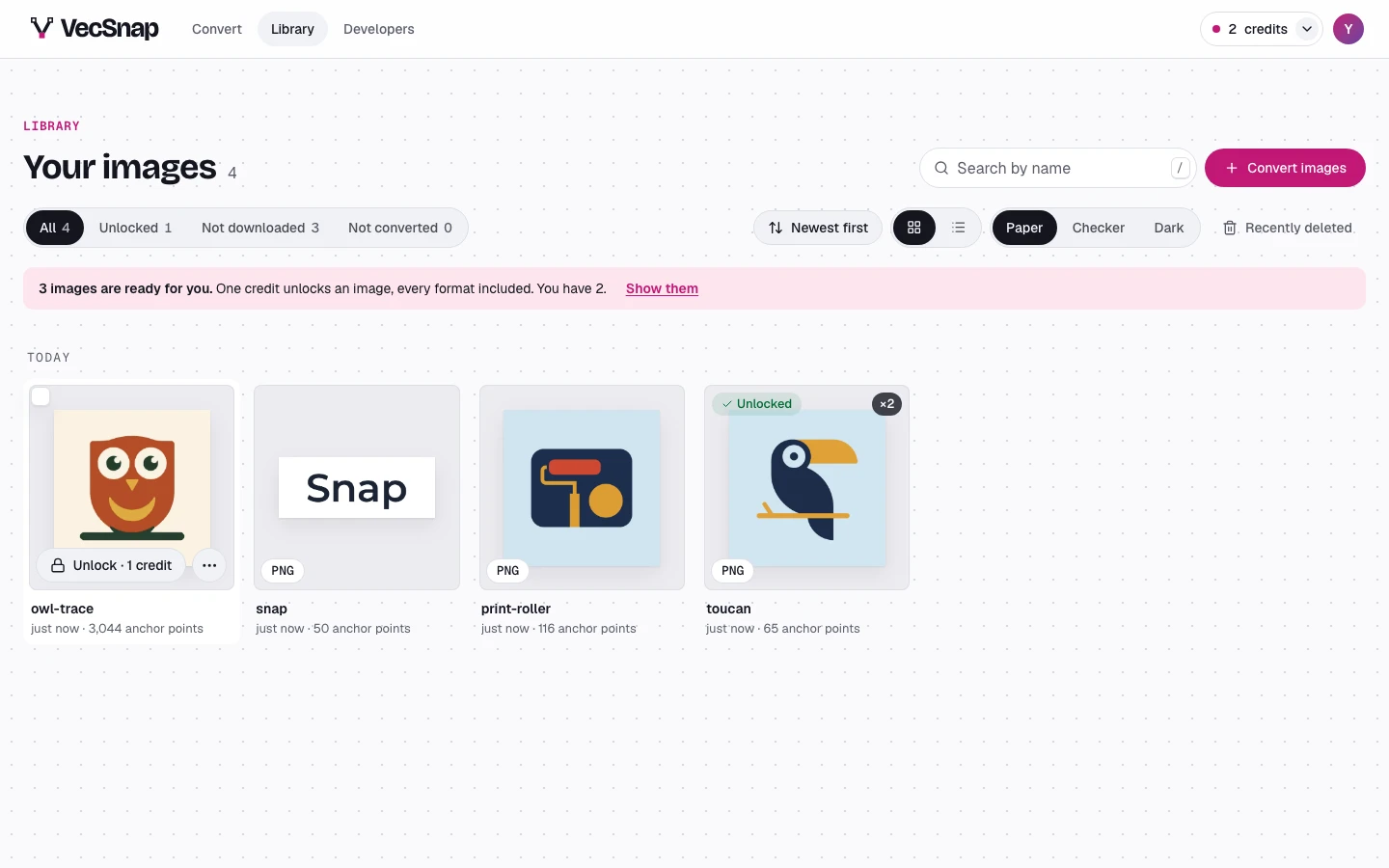
The toolbar shows all your images, or only those unlocked, those still to download, or those that failed, each with its count; then the order, a grid or a list, and the ground the pictures sit on. Search finds an image by its name.
What can I do with an image?
Point at it: its Download (or its Unlock, when it is not unlocked yet) and More actions, the menu a right-click opens too. Open it, copy its SVG, rename it, download it for another use, or delete it. Press the image to open it beside the library.