EDIT SHAPES
Arrange shapes
The card's Arrange panel puts a shape in front of the others or behind them, flips it, aligns it, or duplicates it.
Free · no credit neededWhat is in the Arrange panel?
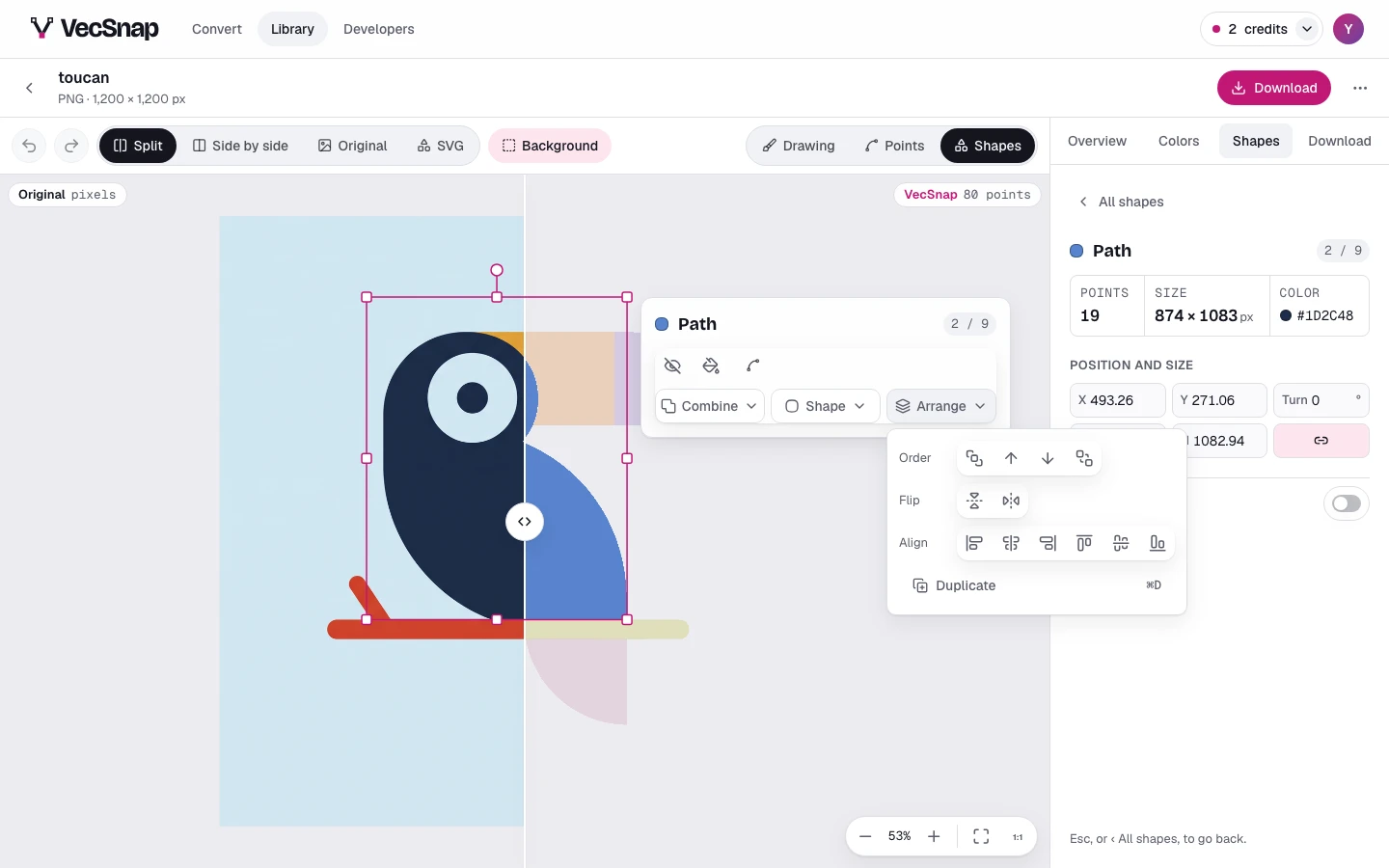
| Row | What it does |
|---|---|
| Order | Bring to front, Bring forward, Send backward and Send to back: above or under the shapes it overlaps. |
| Flip | Flip across mirrors it left to right, Flip down top to bottom. |
| Align | Align to the canvas, or to another shape: its edges or its center. |
| Duplicate | Duplicate (⌘D): a copy on top of it, to move. |
Each icon says what it does when you point at it, and the drawing shows it at once.