Comparison
Inkscape centerline trace vs VecSnap.
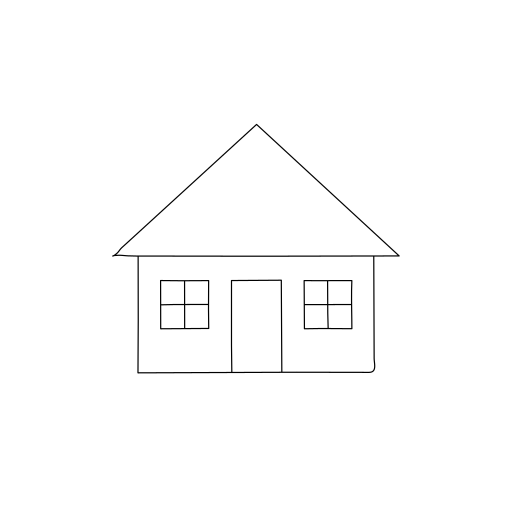
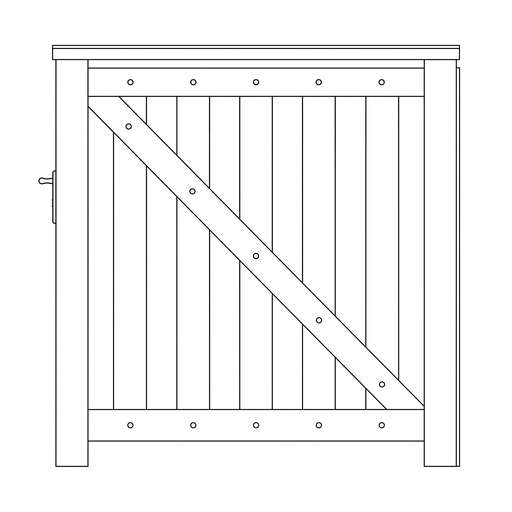
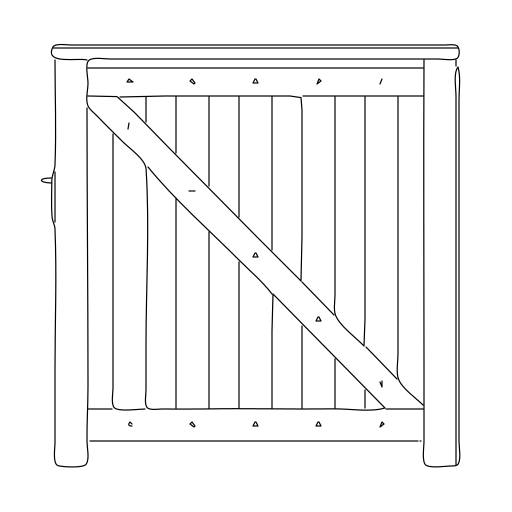
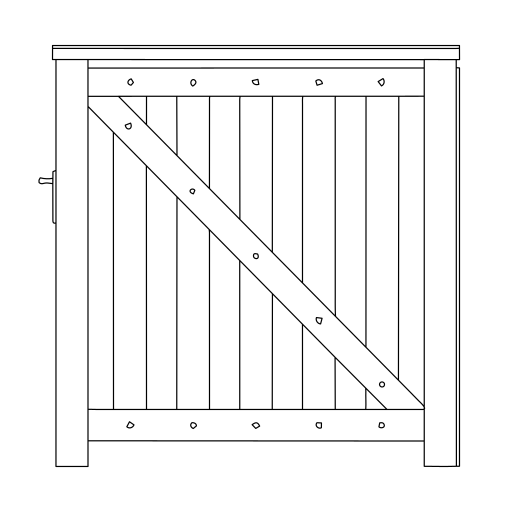
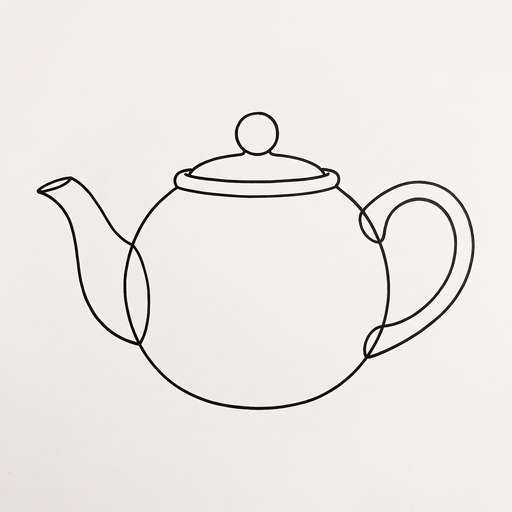
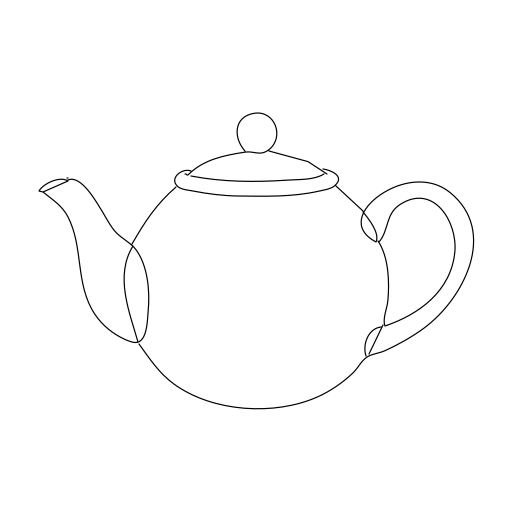
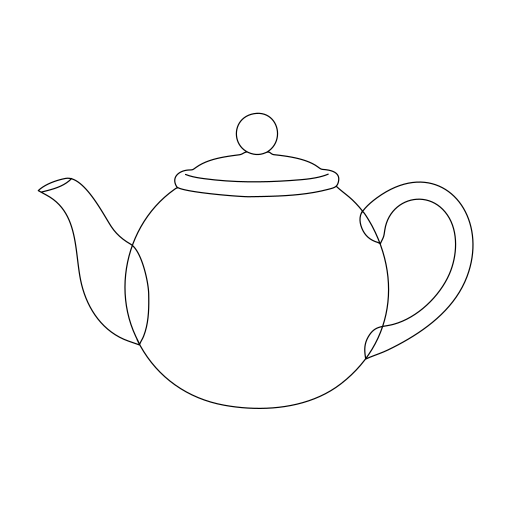
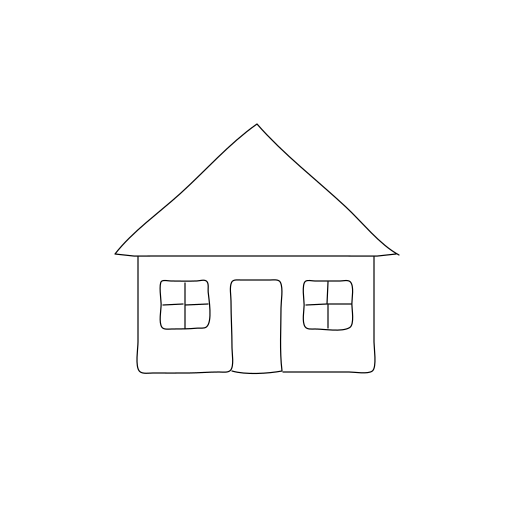
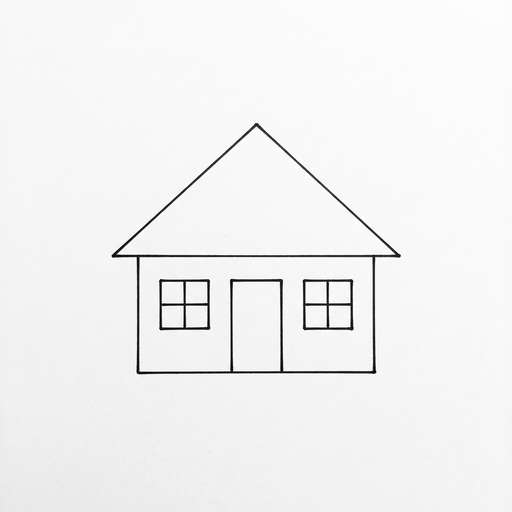
Inkscape's Centerline tracing is free and draws single lines. We ran it and VecSnap on the same three small JPGs and set the files side by side, every line at the same width.
Drop a drawing here
PNG, JPG, WebP, AVIF, GIF, BMP, TIFF or SVG · Up to 10 MB
- Inkscape's own threshold, nothing tuned
- Straight lines, curves, and where each one wins
The short version72 words
Inkscape centerline trace is the Centerline tracing mode of Trace Bitmap: free, on your computer, built on AutoTrace. It draws one open line down each stroke. On a large, clean drawing it does the job. On a small or compressed JPG it rounds corners and bends straight lines, where VecSnap's single lines stay straight; on curves the two are close. On 120 test images it found 70% of the lines, VecSnap 99%.
Updated 4 sources ↓
01Side by side
How good is Inkscape's centerline trace?
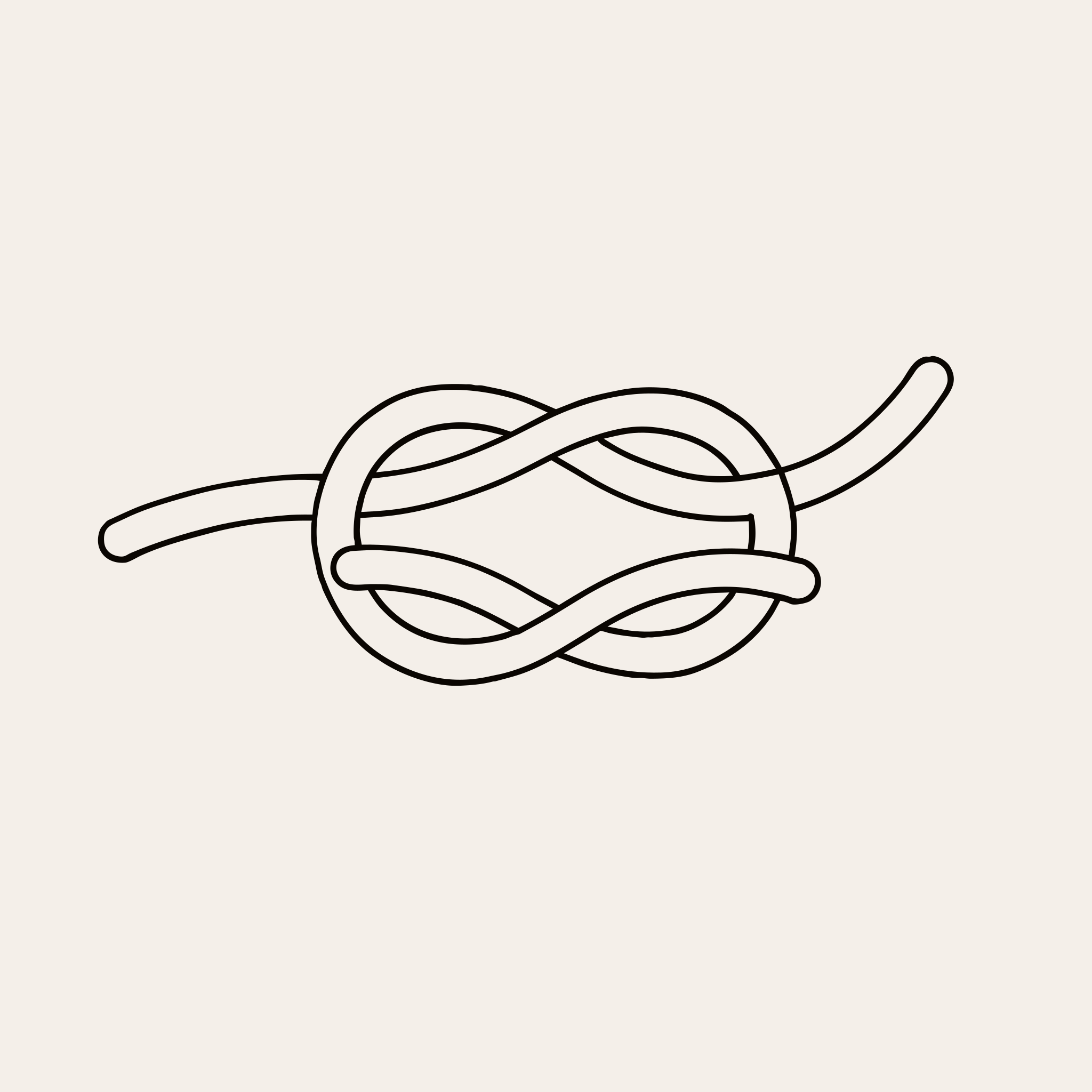
The teapot is the fair row: on curves the two are close. On the engine's bench of 120 test images, kept apart from all tuning, Inkscape's found 70% of the lines and left 1.56 stray ends an image; VecSnap found 99% and left 0.24.
JPG512 px
JPG512 px
JPG512 px02In Inkscape
How do I do a centerline trace in Inkscape?
- 01Import the image and click it, so it is selected.
- 02Open Path, then Trace Bitmap.
- 03On the Single scan tab, set Detection mode to Centerline tracing (autotrace).
- 04Click Apply. The trace lands on top of the image, so drag it aside to see it.
03When it fails
Why is Inkscape's centerline trace not working?
- The option is missingLook under Single scan
- Multiple scans has no centerline mode
- It arrived with Inkscape 1.0, so update an older copy
- Nothing showsPress Apply
- The preview can miss this mode
- The result is a thin stroke, easy to lose on top of the image
- It crashesTry a smaller image
- A Windows report has it quitting on a 2,000 px image
- The same report has 400 px working
04Double lines
How do I turn double lines into a single line in Inkscape?
If you only have the outlined vector, export it as a PNG first, then trace that.
05The right tool
When should I use Inkscape instead of VecSnap?
- InkscapeFree, on your computer
- Costs nothing, runs offline
- Good on large, clean drawings
- Edit the lines in the same app
- VecSnapA small or rough file
- Corners stay square on a small JPG
- See the pen path before you pay
- Pen, laser, PDF, EPS and DXF files
06Try it
What does VecSnap make of my own drawing?
Drop your drawing. Get its SVG.
- 01Drop a line drawing, handwriting or a small JPG.
- 02Read the pen path it would draw.
- 03Keep the file for one credit, or leave it.
Drop a drawing here
PNG, JPG, WebP, AVIF, GIF, BMP, TIFF or SVG · Up to 10 MB
07Method
How were the two tools compared?
- 01The input: the JPG in the first column, saved at 512 px and low quality on purpose.
- 02Inkscape's column: AutoTrace 0.40.0, the tool behind Centerline tracing, on the picture made black and white at 0.45, as Trace Bitmap does.
- 03VecSnap's column: the single lines a customer downloads for a pen or a laser.
- 04We picked these drawings, so they show where the two part. The bench's 120 images are the wider read: lines found against each drawing's own lines, and stray ends counted an image.
08Questions
Inkscape centerline, answered.
Sources
- Inkscape tutorial: Tracing bitmapsInkscape, read Nov 7, 2026
- Release notes for Inkscape 1.0Inkscape Wiki, read Nov 7, 2026
- Centerline tracing crashing on high resolution images on WindowsInkscape on GitLab, read Nov 7, 2026
- Trace bitmap preview not working for autotrace and centerline tracingInkscape on GitLab, read Nov 7, 2026
Yes. Inkscape is free and open source, it runs on your computer, and your drawing never leaves it.
AutoTrace, an open-source tracer, which is why the mode reads Centerline tracing (autotrace). Trace Bitmap's Brightness cutoff and Edge detection modes use potrace.
Yes. Both mean one open path down the middle of each drawn line, with no fill, so a machine goes over it once.
Not usefully. It reads the picture as black and white and looks for lines, so a photo comes out as scattered marks. The same goes for VecSnap's single lines.
Yes. Save it as an SVG, upload it to Design Space and change the layer's Operation from Cut to Pen.
No. It runs in the browser, and converting and previewing are free. One credit keeps an image. Inkscape is the one that runs with no connection.
09Where next
Keep going

Single line SVG converter
One line down the middle of each stroke, for a pen, foil or a laser.
Single lines


How to make an SVG for laser cutting
Why a traced SVG engraves some areas twice, and the file each laser app wants.
Guide · 5 min read


potrace vs VTracer vs VecSnap, measured
potrace and VTracer against VecSnap on the same images, every file counted.
Comparison · measured
Drop a drawing. Check the file.
Converting is free. You see the whole result before you spend anything.
Drop a drawing here
PNG, JPG, WebP, AVIF, GIF, BMP, TIFF or SVG · Up to 10 MB