Line art to SVG converter

Line art to SVG, crisp at 400%.

Drop a scan or a photo of your drawing. VecSnap draws your lines again as real curves, so they stay sharp at any size, with far fewer anchor points than a tracer leaves.

  • Converting and previewing are free
  • One credit keeps the file, every format included
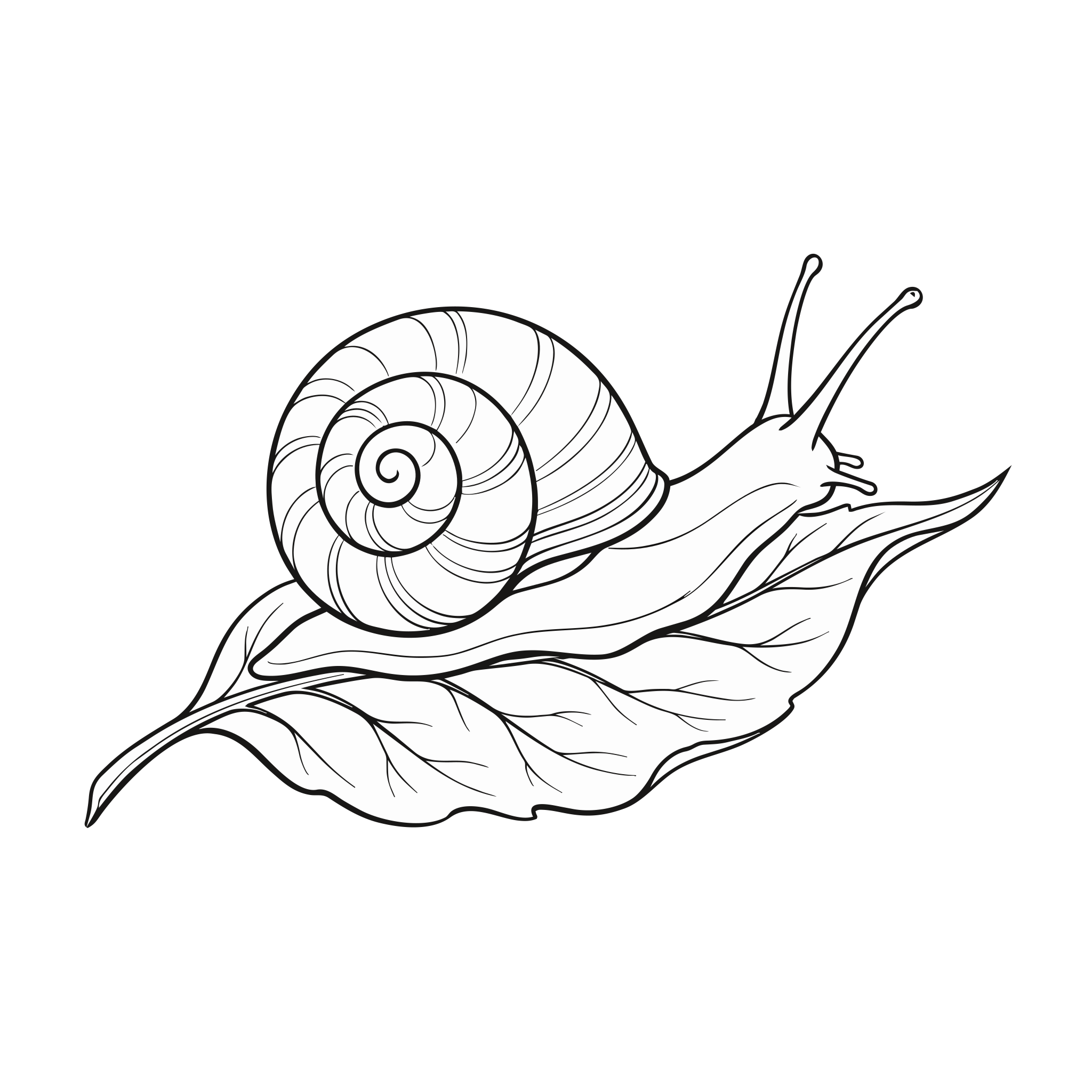
A black brush-ink drawing of a garden snail on a leaf, its shell a clean spiral, each line swelling and tapering, on white paper, as VecSnap's SVG
A black brush-ink drawing of a garden snail on a leaf, its shell a clean spiral, each line swelling and tapering, on white paper, up close, with VecSnap's anchor points on
VecSnapup close, points on
potrace, the same picture7,437VecSnap's SVG844anchor points

To vectorize line art, scan or photograph the drawing and drop it on VecSnap, then choose what the SVG holds: the ink as filled shapes, which keep the thick and thin of each line for print and design, or single lines, one path down each stroke, for a Cricut pen, foil or a laser. Both are vectors, and you can check either at any zoom before you keep it.

Updated 2 sources ↓

Ink or one line

Should line art be outlines or single lines?
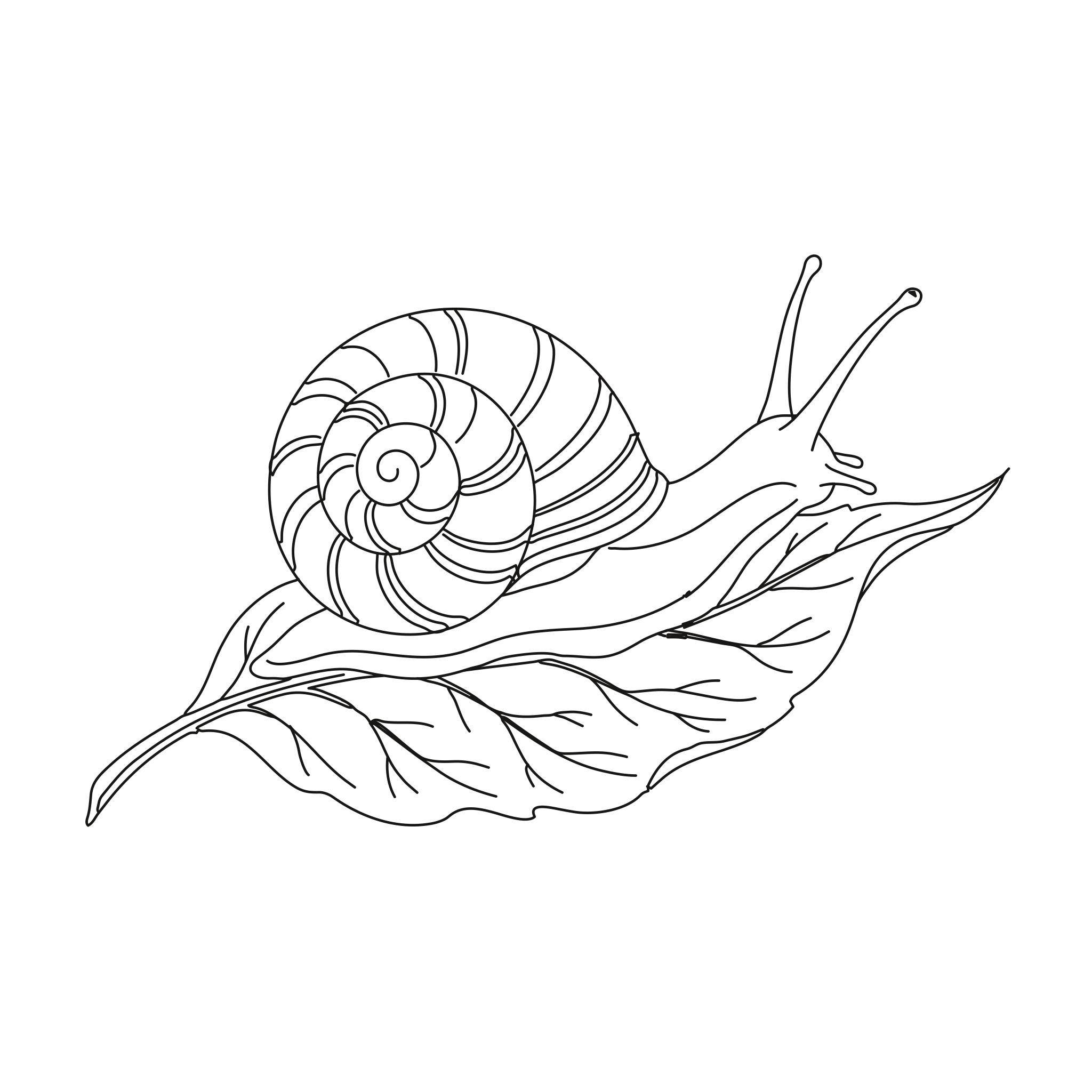
It depends where the file goes. Print, design and the web want the ink kept as shapes. A pen, foil or a laser wants one line down each stroke.
A black brush-ink drawing of a garden snail on a leaf, its shell a clean spiral, each line swelling and tapering, on white paper: the ink kept as filled shapes
Keep the ink
844 anchor pointsEach line keeps its thick and thin. For a shirt, a poster, a logo, Figma or Illustrator.
A black brush-ink drawing of a garden snail on a leaf, its shell a clean spiral, each line swelling and tapering, on white paper: single lines, one path down each stroke
One line
83 in of penA path down each stroke, with a few small loops where thick ink meets. For a Cricut pen, foil, a plotter or a laser score. 153 in round both edges of the same drawing.

One credit keeps both, every format included. The pen's path at 6 in wide. An example we picked.The single line converter

The drawing, opened

One brush drawing, opened.

Drag the line across this snail to set its pixels against VecSnap's shapes, then put potrace beside them and count the points each one needs.
OriginalVecSnap

An example we picked, made with Gemini.

Read asLossy WebP · quality 90

Anchor points
VecSnap 844, potrace 7,43788% fewer
File size
VecSnap 26 KB, potrace 331 KB92% lighter

In the file

51 paths

Up close

Why does traced line art look rough up close?

A tracer follows the pixels, and a scan's edge is soft, so it draws the gray steps of that edge as shapes of their own. VecSnap draws the line you meant.
Original
2,048 pxthe WebP as uploaded, its own pixels
potrace
7,437anchor points in the whole file
VecSnap
844anchor points in the whole file

The blacks

How do I get clean black lines from a scan?
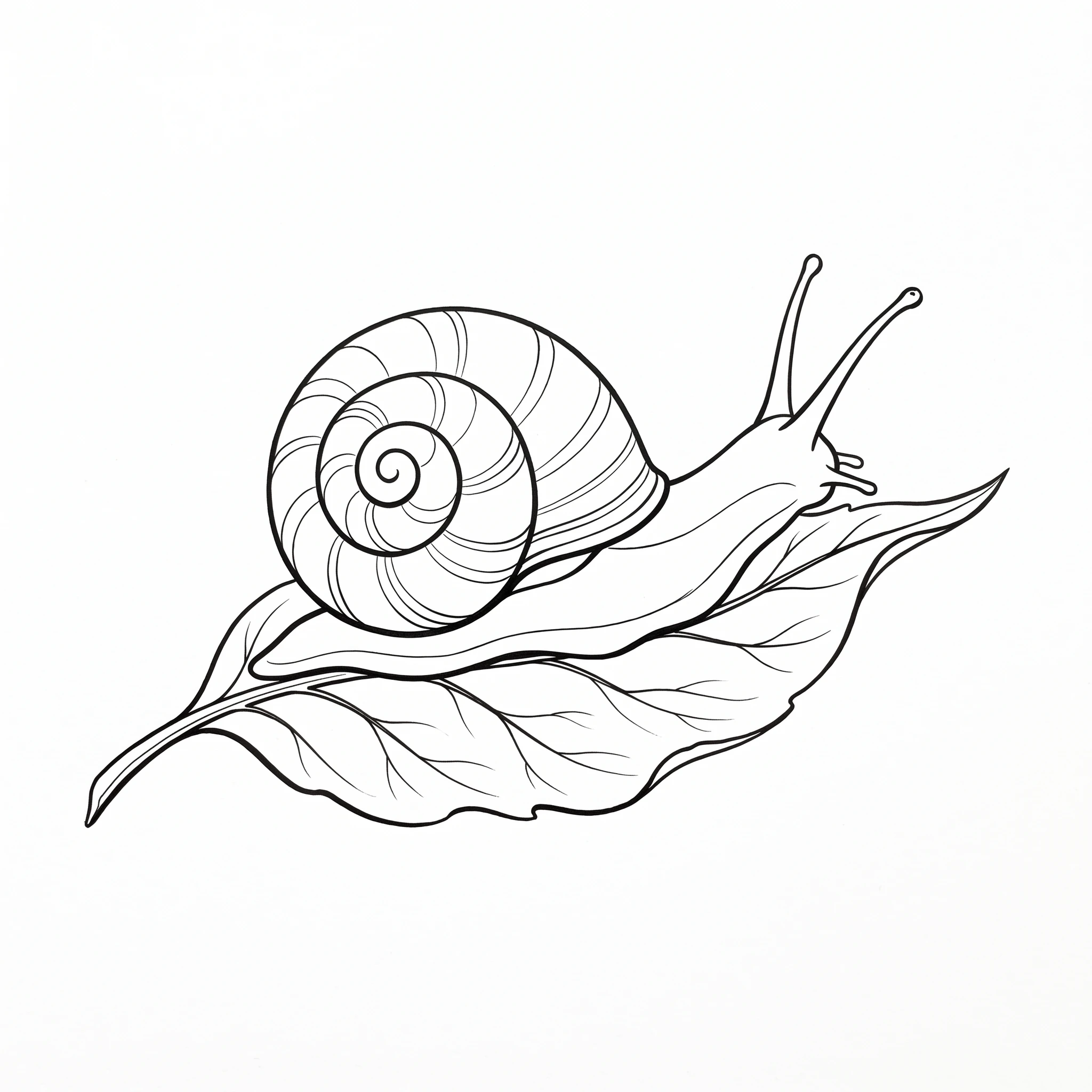
Scan at 300 dpi or photograph it flat in daylight, then drop it here. The scan's many grays come back as a few flat colors you can pick and change.
Count the colors
A brush-ink drawing of a snail, as the picture was madeWebPpixels
2,192distinct colors in the picture
A brush-ink drawing of a snail: VecSnap's SVGVecSnapSVG
3colors in the SVG

In “Every color”, each distinct color takes its own hue, ranked by how much of the file it covers: one rule for both files, worked out in your browser from the files themselves.

On any ground

Can the white behind line art be transparent?

The paper around the drawing is gone. The areas your lines close stay white, which is what a coloring page or a sticker wants.
A black brush-ink drawing of a garden snail on a leaf, its shell a clean spiral, each line swelling and tapering, on white paper, on white cardWhite card
A black brush-ink drawing of a garden snail on a leaf, its shell a clean spiral, each line swelling and tapering, on white paper, on kraftKraft
A black brush-ink drawing of a garden snail on a leaf, its shell a clean spiral, each line swelling and tapering, on white paper, on navy cardNavy card

In your own tool

How do I vectorize line art in Illustrator or Inkscape?

Illustrator and Inkscape each have a tracer with its own settings. Photoshop has none, so you work from a selection, and the pen tool is always there.
  • IllustratorImage Trace
    • Pick a preset or a mode, then Expand
    • Its Info line shows the anchor points
    Read the Image Trace guide
  • InkscapeTrace Bitmap
    • Brightness cutoff keeps the ink
    • Centerline tracing draws one line
    Read the Trace Bitmap guide
  • PhotoshopA path from a selection
    • Select the ink, then Make Work Path
    • Set the path's tolerance by eye
    Read the Photoshop guide
  • By handThe pen tool
    • Right when a drawing needs judgment no tracer has
    • Worth the hours on a piece that matters

Questions

Line art to SVG, answered.

Sources

Scan or photograph the drawing, drop it here, and check the result at any zoom. Keep the ink as shapes, or turn on single lines for a pen or a laser.

In the manual: Single lines

More converters

Starting from something else?

PNG to SVG converter

Color and transparency kept, every edge drawn again as a curve.

From .png

JPG to SVG converter

Compression marks cleaned before drawing, so a soft JPG still gives clean edges.

From .jpg and .jpeg
JPG to DXF converter

A logo or an emblem as a DXF for a laser or CNC, one layer per color, every outline closed.

From .jpg and .png
Logo to vector converter

The vector file a printer, a website or a designer asks for, its name kept as a word.

From any logo image
WebP to SVG converter

Lossy or lossless, read from the file; a lossy WebP handled as the compressed file it is.

From .webp
PNG to EPS converter

A logo or a badge as a vector EPS for a print shop: real shapes, no pixels inside.

From .png and .jpg

GIF to SVG converter

A sticker, a logo or an icon: its see-through color kept empty, its stepped edges redrawn as curves.

From .gif
AVIF to SVG converter

Lossy or lossless, read inside the image; a lossy AVIF handled as the compressed file it is.

From .avif
Drawing to SVG converter

A drawing on paper, photographed: the paper made one ground, the ink drawn as shapes.

From a photo
AI image to SVG converter

A ChatGPT, Gemini or Midjourney picture, drawn again as shapes in the few colors you see.

From AI tools
BMP to SVG converter

A JPG's old marks looked for in the pixels, a picture that has them handled as that JPG.

From .bmp
TIFF to SVG converter

A print or scan file in four inks, read through its profile and redrawn as clean shapes.

From .tif
Single line SVG converter

One line down the middle of each stroke, for a pen, foil or a laser.

Single lines

Drop line art. Check the file.

Converting is free. You see the whole result before you spend anything.