PNG to EPS converter
PNG or JPG to EPS, as real shapes.
Drop in a logo, a badge or a sign as a PNG or JPG. VecSnap redraws it as clean shapes and writes an EPS a print shop opens: vector paths, no pixels inside, and a transparent background left empty.
Drop an image here
PNG, JPG, WebP, AVIF, GIF, BMP, TIFF or SVG · Up to 10 MB
- Converting and previewing are free
- One credit keeps the file, every format included
Inside the file
What's inside my EPS?
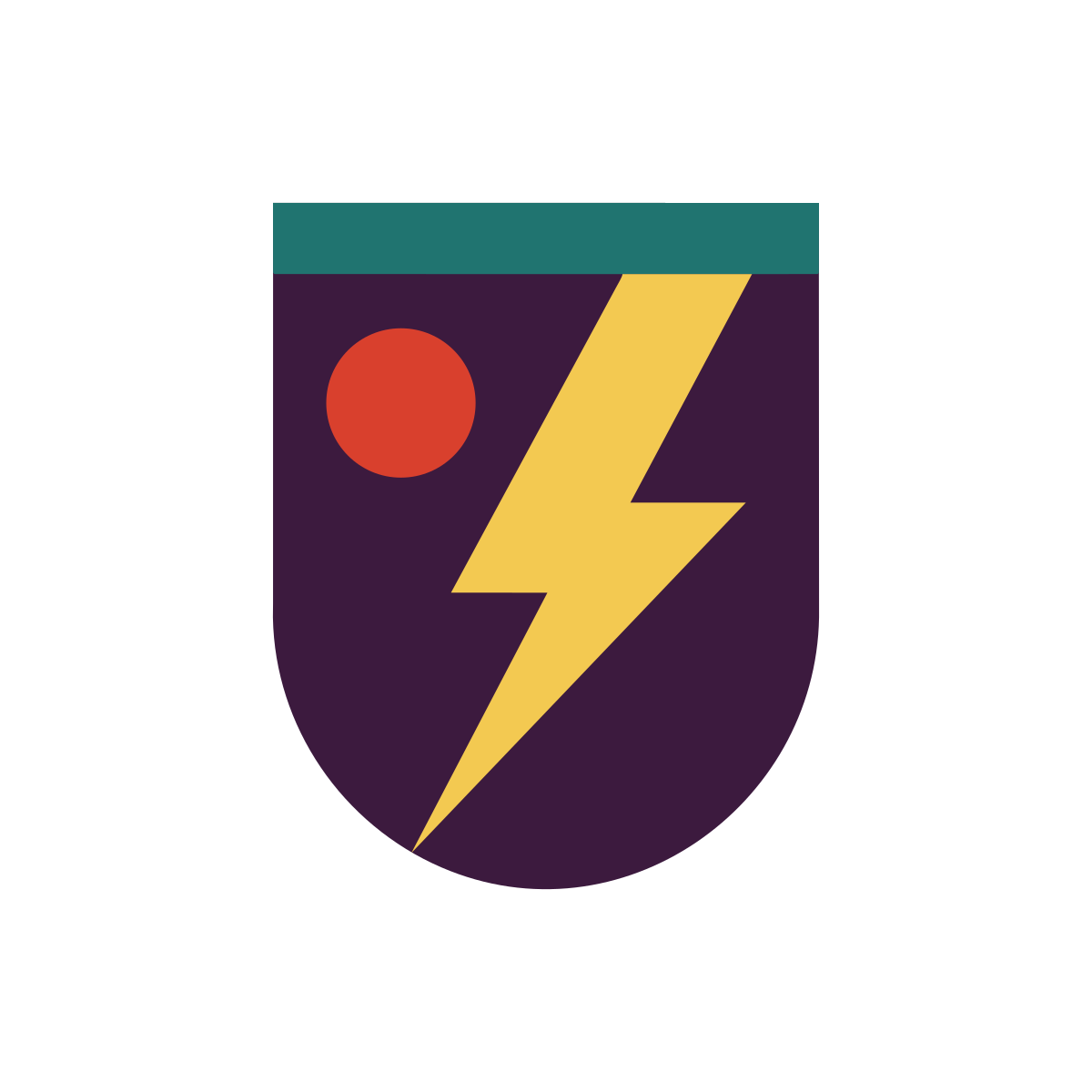
%!PS-Adobe-3.0 EPSF-3.0%%BoundingBox: 0 0 1200 1200%%HiResBoundingBox: 0 0 1200 1200%%Creator: VecSnap%%LanguageLevel: 3%%Pages: 0%%EndComments/VecSnapSave save def8 lines naming the drawing words it uses: m move, l line, c curve, f fill/CS0 cs /CS0 CS1 0 0 -1 0 1200 cm0.2353 0.102 0.2431 sc300.078 299.87 m… 8 more lines of its outlinehf0.1255 0.4549 0.4392 sc899.87 299.783 m… 8 more lines of its outlinehf0.9529 0.7882 0.3176 sc826.374 301.211 m… 8 more lines of its outlinehf0.851 0.251 0.1765 sc522.64 442.806 m… 4 more lines of its outlinehfVecSnapSave restoreshowpage%%EOF
Version
- This EPS
- EPSF-3.0, PostScript level 3
- What it means
- The EPS print shops, Illustrator, CorelDRAW and Inkscape open
Shapes
- This EPS
- 4 shapes
- What it means
- Each one a path a designer can select and edit
Pictures inside
- This EPS
- None
- What it means
- No pixels, so nothing blurs when it is printed large
Background
- This EPS
- Not painted
- What it means
- Your picture's empty areas stay empty, with no white box
Size
- This EPS
- 1200 × 1200 pt (16.7 × 16.7 in)
- What it means
- One point for each pixel of your picture; it scales to any size
Colors
- This EPS
- 4, RGB
- What it means
- A shop that prints in CMYK converts them; the PDF names its color profile
Real vectors
Is a PNG converted to EPS a real vector?
Which file
Which file for a print shop, Illustrator or Word
A print shop or a sign makerEPS
- What you get
- The EPS: vector shapes, in RGB.
A printer that takes PDFPDF
- What you get
- A print-ready PDF, its color profile inside.
Illustrator, CorelDRAW or AffinityDesign file
- What you get
- Each part a shape to edit, in named layers.
Word, PowerPoint or Google DocsPNG
- What you get
- A sharp PNG at the size you need.
One credit keeps the file, every format included.
More converters
Starting from something else?


PNG to SVG converter
Color and transparency kept, every edge drawn again as a curve.
From .png


JPG to SVG converter
Compression marks cleaned before drawing, so a soft JPG still gives clean edges.
From .jpg and .jpeg


JPG to DXF converter
A logo or an emblem as a DXF for a laser or CNC, one layer per color, every outline closed.
From .jpg and .png
Logo to vector converter
The vector file a printer, a website or a designer asks for, its name kept as a word.
From any logo image


WebP to SVG converter
Lossy or lossless, read from the file; a lossy WebP handled as the compressed file it is.
From .webp


GIF to SVG converter
A sticker, a logo or an icon: its see-through color kept empty, its stepped edges redrawn as curves.
From .gif

AVIF to SVG converter
Lossy or lossless, read inside the image; a lossy AVIF handled as the compressed file it is.
From .avif

Drawing to SVG converter
A drawing on paper, photographed: the paper made one ground, the ink drawn as shapes.
From a photo


AI image to SVG converter
A ChatGPT, Gemini or Midjourney picture, drawn again as shapes in the few colors you see.
From AI tools


BMP to SVG converter
A JPG's old marks looked for in the pixels, a picture that has them handled as that JPG.
From .bmp


TIFF to SVG converter
A print or scan file in four inks, read through its profile and redrawn as clean shapes.
From .tif