Single line SVG converter
Single line SVG, drawn once.
Drop a line drawing. VecSnap draws one line down the middle of each stroke, a centerline trace, so a pen, foil tip or laser goes over it once.
Drop a drawing here
PNG, JPG, WebP, AVIF, GIF, BMP, TIFF or SVG · Up to 10 MB
- Converting and previewing are free
- One credit keeps the file, every format included
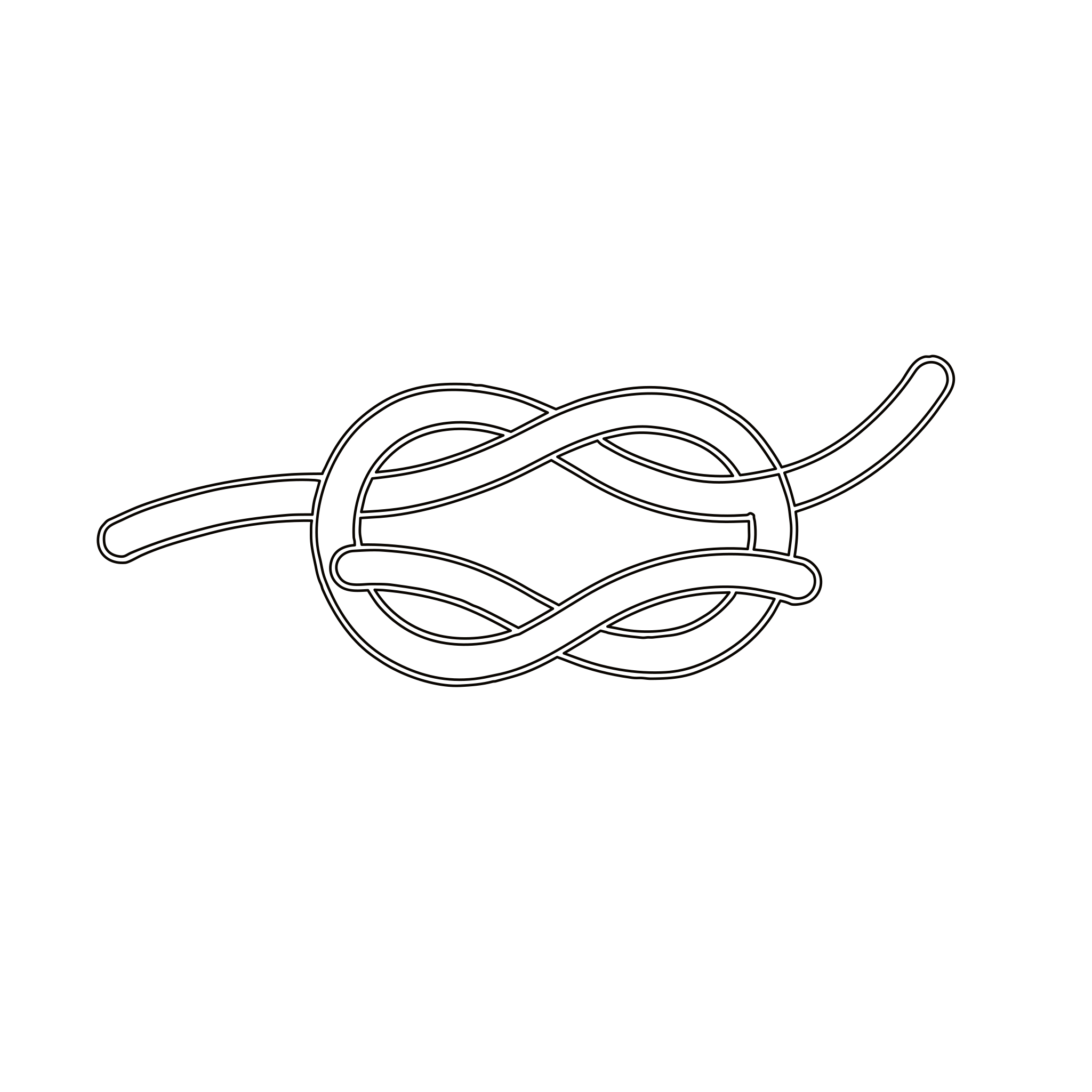
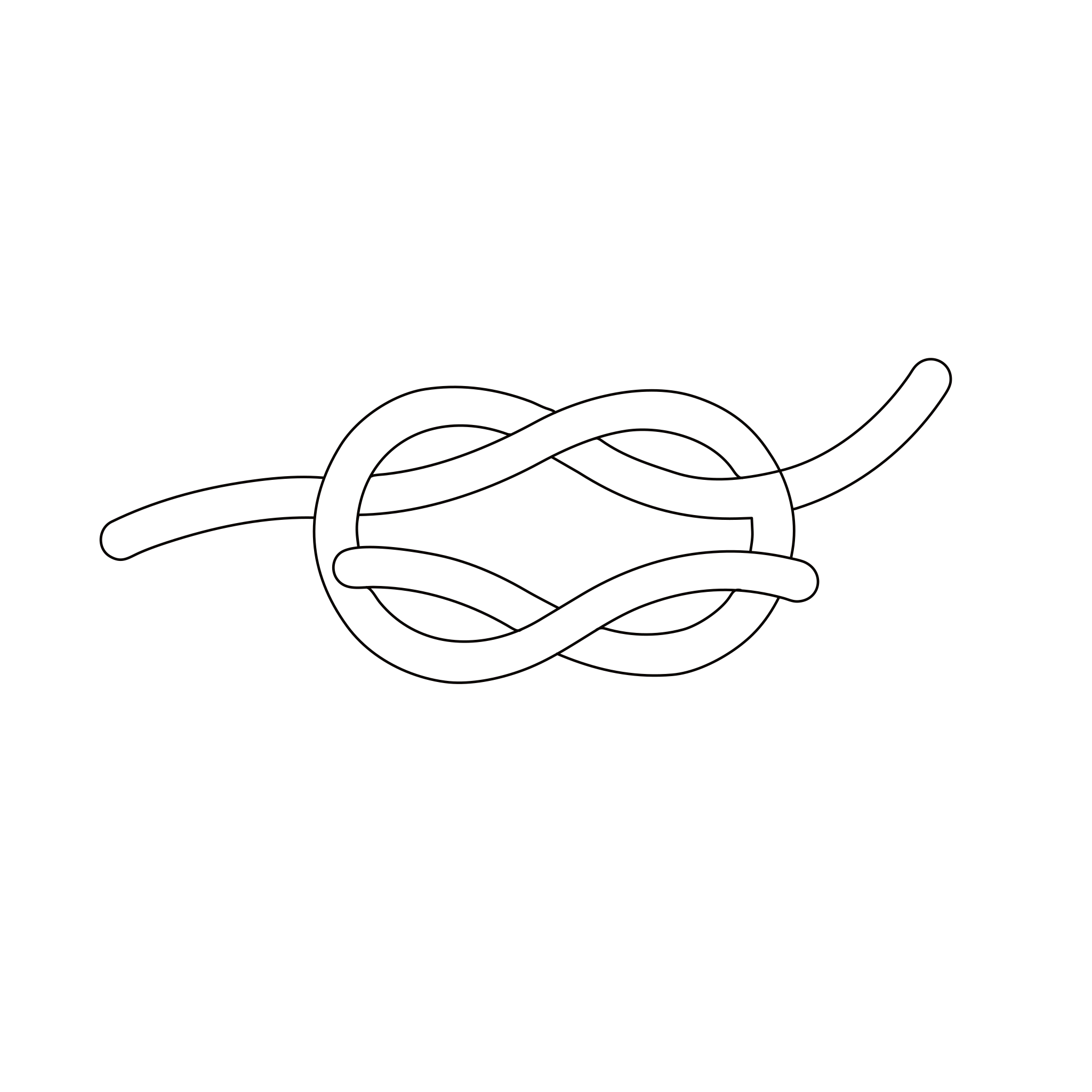
The pen's path at 6 in wide. An example we picked.
Which drawings
Which drawings work as single lines?
One pen, even lines
A marker or a fine liner gives a line of one width, the easiest kind to follow.
Room between lines
Lines drawn close together can run into one. Leave a little white between them.
Lines rather than fills
A solid area stays an outline, which a machine goes round. Draw it as lines if a pen must fill it.
Flat and sharp
Scan it, or photograph it from straight above in daylight, so straight lines stay straight.
Which machine
Does one file work for a pen, foil and a laser?
In Design Space
How do I use a single line SVG on a Cricut?
- In Design Space, choose Upload, then Upload Image, and pick the SVG.
- Add it to the canvas and set the size you want.
- Select the layers, open Operation and choose Pen, or Foil or Score where your machine offers them.
- Press Make and check the mat: each line should show once.
More converters
Starting from something else?


PNG to SVG converter
Color and transparency kept, every edge drawn again as a curve.
From .png


JPG to SVG converter
Compression marks cleaned before drawing, so a soft JPG still gives clean edges.
From .jpg and .jpeg


JPG to DXF converter
A logo or an emblem as a DXF for a laser or CNC, one layer per color, every outline closed.
From .jpg and .png
Logo to vector converter
The vector file a printer, a website or a designer asks for, its name kept as a word.
From any logo image


WebP to SVG converter
Lossy or lossless, read from the file; a lossy WebP handled as the compressed file it is.
From .webp
PNG to EPS converter
A logo or a badge as a vector EPS for a print shop: real shapes, no pixels inside.
From .png and .jpg


GIF to SVG converter
A sticker, a logo or an icon: its see-through color kept empty, its stepped edges redrawn as curves.
From .gif
Line art to SVG converter
Keep your ink as shapes, or take one line down each stroke.
Line art
AVIF to SVG converter
Lossy or lossless, read inside the image; a lossy AVIF handled as the compressed file it is.
From .avif

Drawing to SVG converter
A drawing on paper, photographed: the paper made one ground, the ink drawn as shapes.
From a photo


AI image to SVG converter
A ChatGPT, Gemini or Midjourney picture, drawn again as shapes in the few colors you see.
From AI tools


BMP to SVG converter
A JPG's old marks looked for in the pixels, a picture that has them handled as that JPG.
From .bmp


TIFF to SVG converter
A print or scan file in four inks, read through its profile and redrawn as clean shapes.
From .tif