Guide · 2 min read

Fewer anchor points, the same shape.

Why a traced SVG has thousands of anchor points, what they cost you, how to cut them down in an editor, and how to start with the few a shape needs.

A flat coral cable car with a navy roof and two round windows hanging from a thin coral cable over coral and navy hills, an ochre sun high in the sky, saved as a lossy WebP
The WebP as uploaded13 KBVecSnap's SVG3.5 KB141 anchor points

To reduce anchor points in an SVG, simplify its paths: an editor's Simplify command, such as Inkscape's (Ctrl+L), removes points while almost keeping the shape, and you check the result up close. Fewer points make a lighter file that is easier to edit and to cut. A traced file starts with thousands because the tracer follows every pixel; a file drawn as shapes starts with the few its curves need.

Updated Oct 24, 20261 source ↓

Why so many

Why does a traced SVG have so many anchor points?

Because a tracer follows the pixels it is given. Every step of a jagged edge and every speck of compression becomes points, so a curve a designer would draw with four points comes out with dozens.

The same image, up close, as potrace traces it and as VecSnap draws it, each anchor point shown:

potrace
1,975anchor points in the whole file
VecSnap
141anchor points in the whole file

What they cost

Why is my SVG file so big?

Mostly anchor points. Each one is written into the file as numbers, so thousands of them make a file many times heavier than its shapes need, slow every edit, and give a cutting machine more to follow.
Anchor points
VecSnap 141, potrace 1,97592% fewer
File size
VecSnap 3.5 KB, potrace 68 KB94% lighter

In the file

3 circles · 7 paths

In an editor

How do I reduce anchor points in an existing SVG?

Select the paths and simplify them. In Inkscape, the Simplify command (Ctrl+L) removes anchor points while almost keeping the shape; pressed again within half a second, it simplifies further.

Check the result up close: each point removed lets the curve move a little, so corners soften and circles drift. Simplify the parts that need it, one at a time.

Start with few

Can a file start with few anchor points?

Yes, when it is drawn rather than traced: each edge fitted with the fewest points that keep its shape, and each circle drawn as a circle. The table counts both ways on the same images.

The Ondaro club badge

Badge

A round badge: a navy ring around a sand disc, a coral sun, two navy bars and a small coral star
Originalpixels2048 × 2048
The Ondaro club badge, as potrace draws it
potrace4,051 points135 KB
The Ondaro club badge, as VTracer draws it
VTracer2,475 points102 KB
The Ondaro club badge, as VecSnap draws it
VecSnap36 points0.81 KB

99.1%fewer anchor points

The Ondaro mark

Logo mark

The Ondaro logo mark: a navy ring with a small coral circle inside it, near the top right
Originalpixels2048 × 2048
The Ondaro mark, as potrace draws it
potrace3,110 points113 KB
The Ondaro mark, as VTracer draws it
VTracer595 points26 KB
The Ondaro mark, as VecSnap draws it
VecSnap12 points0.27 KB

99.6%fewer anchor points

Four ride icons

Icon set

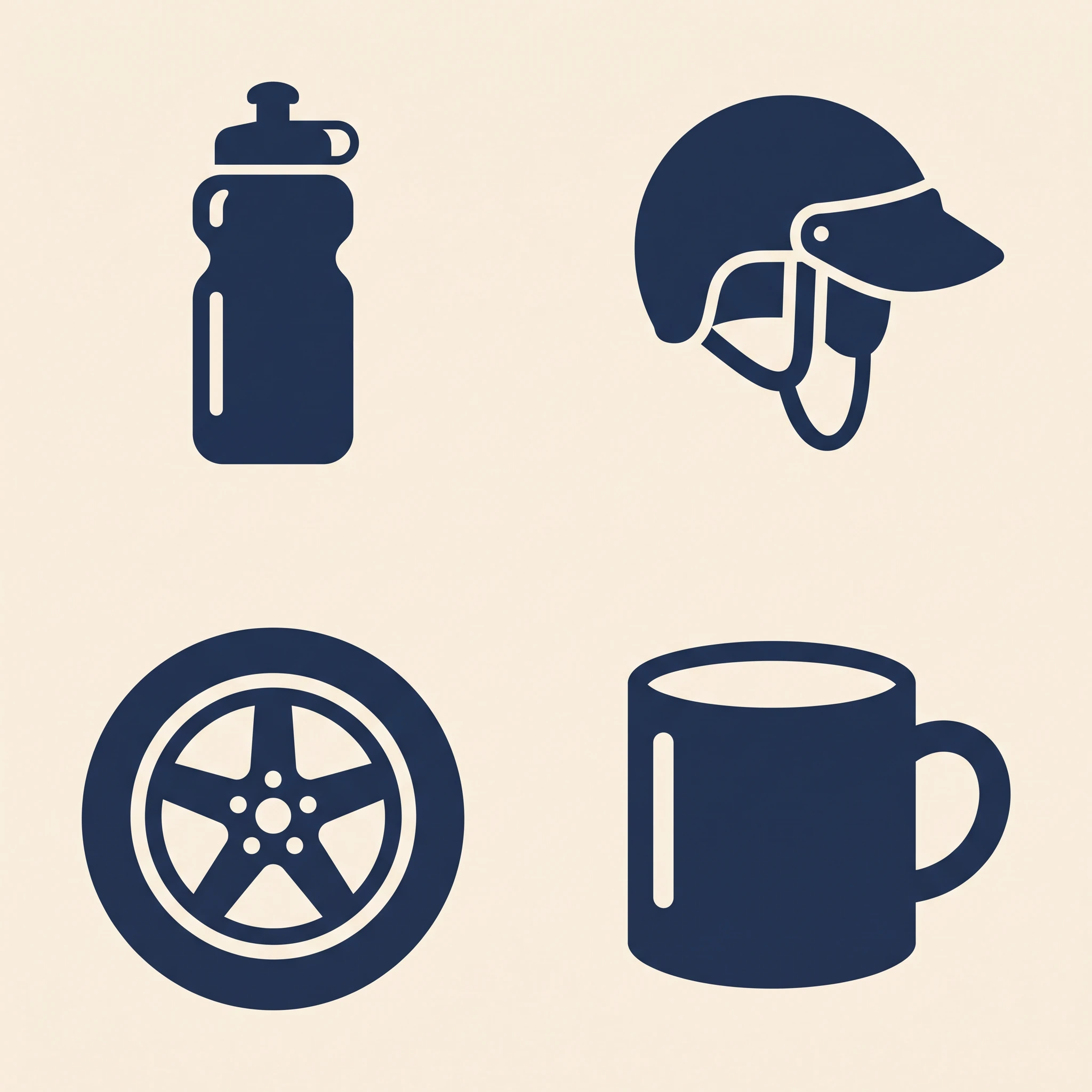
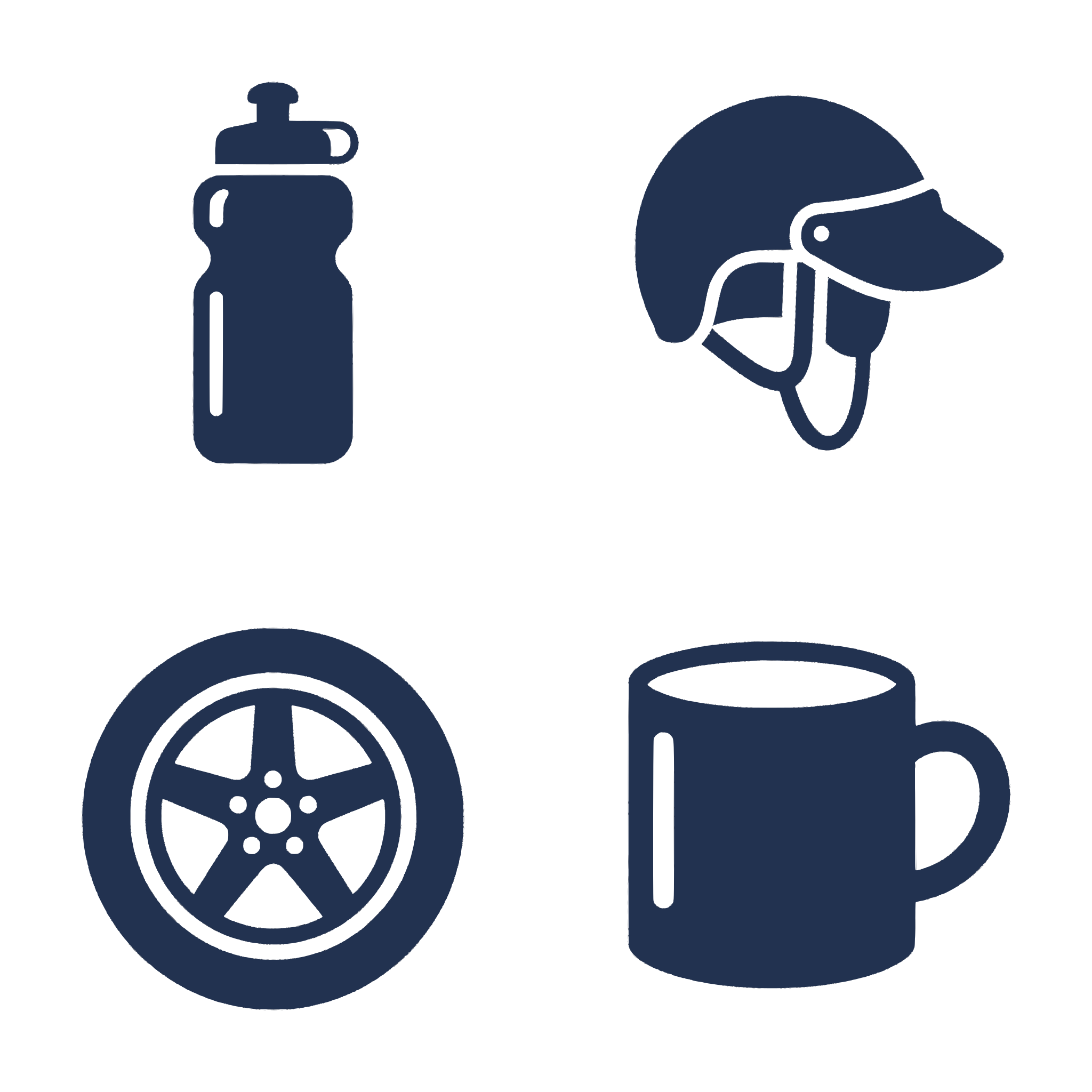
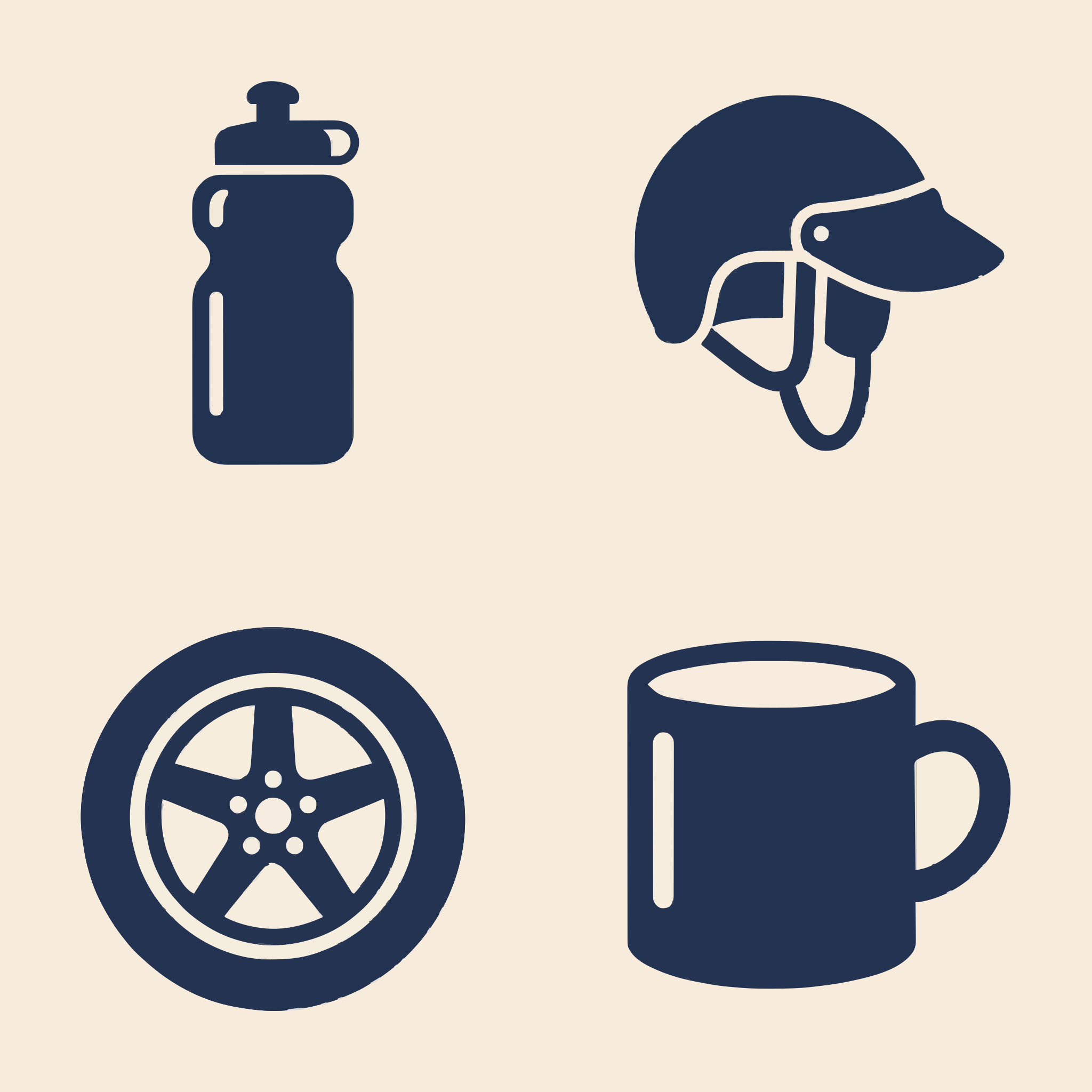
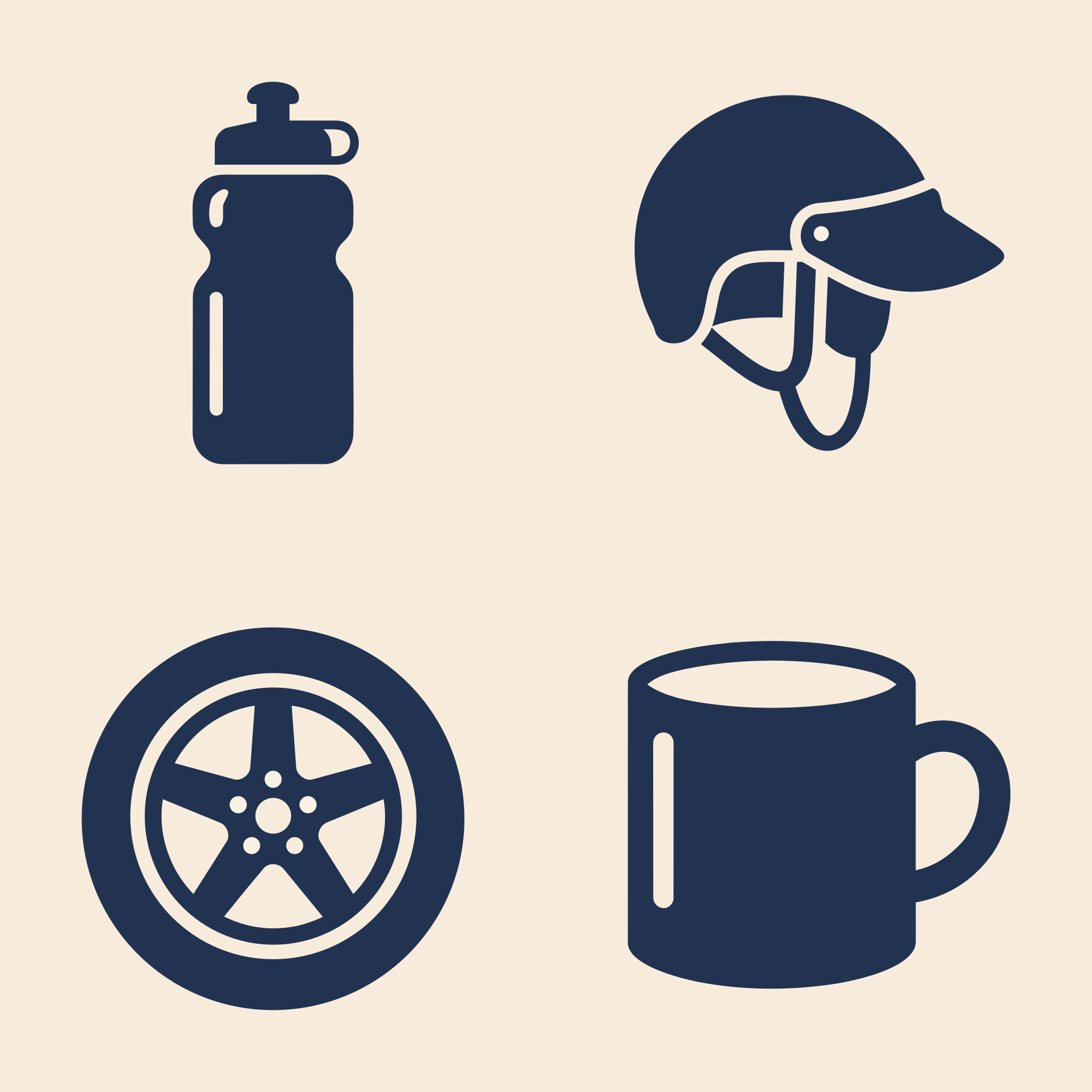
Four navy icons on cream: a water bottle, a helmet, a wheel and a mug
Originalpixels2048 × 2048
Four ride icons, as potrace draws it
potrace8,109 points307 KB
Four ride icons, as VTracer draws it
VTracer1,946 points84 KB
Four ride icons, as VecSnap draws it
VecSnap199 points5.5 KB

97%fewer anchor points

Examples we picked, made with Gemini. potrace and VTracer are open-source tracers; potrace is the one inside Inkscape's Trace Bitmap. Each picture is that tool's own file of the same image.

Questions

Anchor points, answered.

The questions people type, and ask assistants, about anchor points.

Sources

It can. Each point removed lets the curve move a little. Simplify a copy, compare it up close, and keep the version whose corners and circles still match.

Drop an image. Check the file.

Converting is free. You see the whole result before you spend anything.